Support your favorite uploaders at no extra cost! Just follow these easy steps. When using a reseller coupon, make sure to return to SoftArchive and click a Rapidgator link from the uploader’s post before entering your code. This way, the uploader earns a small commission from your purchase.
Step-by-step:
-
Create an Account
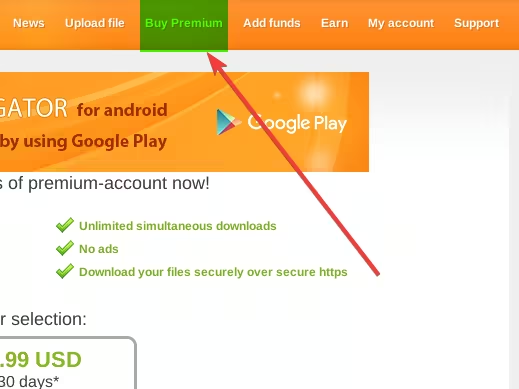
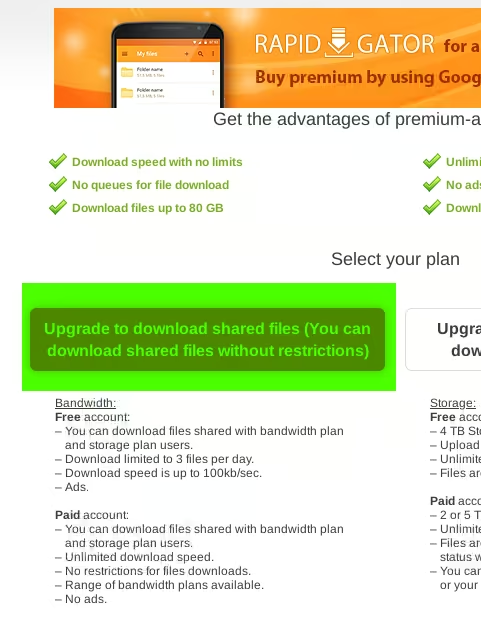
Register on Rapidgator and click "Buy Premium".
-
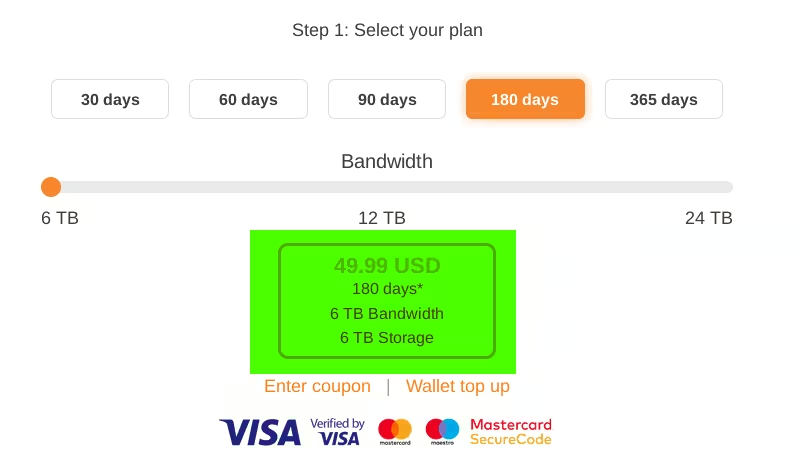
Choose a Plan
Select the subscription length you want (30, 60 days, etc.).
-
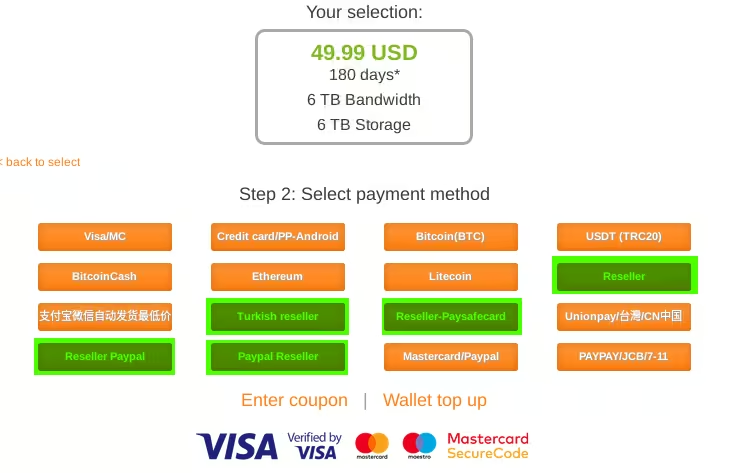
Buy a Coupon
Pick a trusted reseller and purchase your coupon.
-
Go to SoftArchive
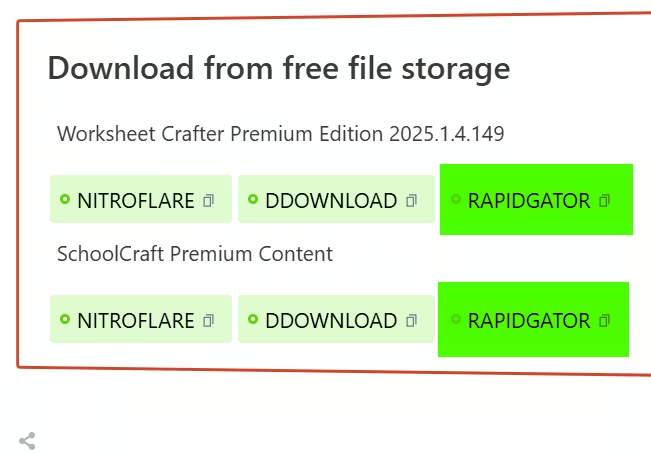
Find the uploader you’d like to support, open one of their posts, and click a Rapidgator link.
-
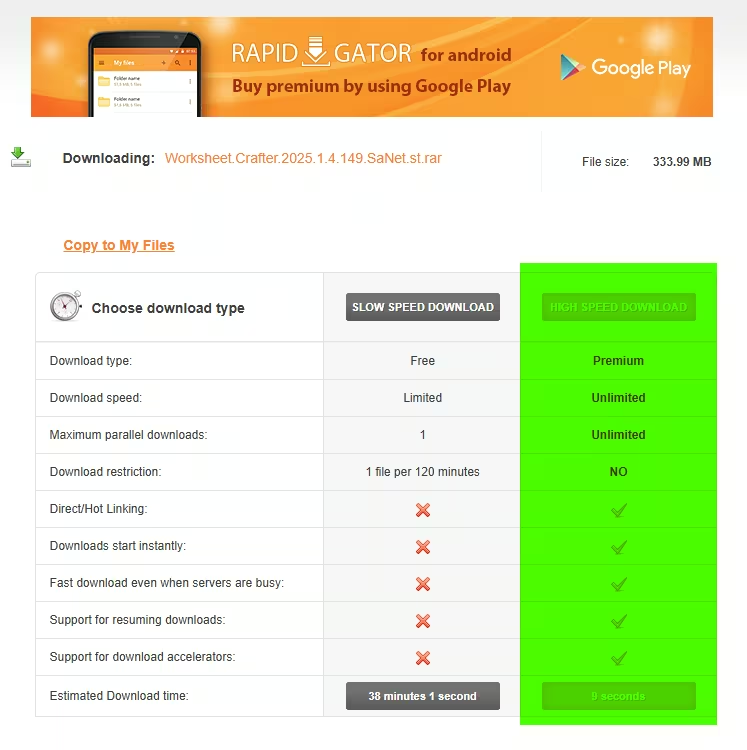
High Speed Download
On Rapidgator’s page, click "High Speed Download".
-
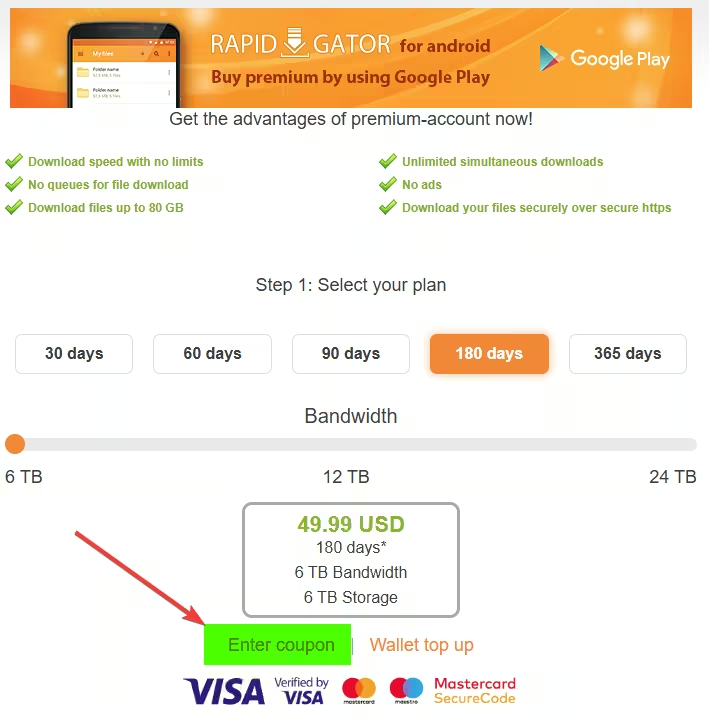
Enter Your Coupon
Click "Enter coupon" and paste your code.
That’s it! Thanks for supporting the uploaders who make this community possible. Your price stays the same, but your support helps them keep sharing great content.