Aescripts AutoSortBinsPro v1.0
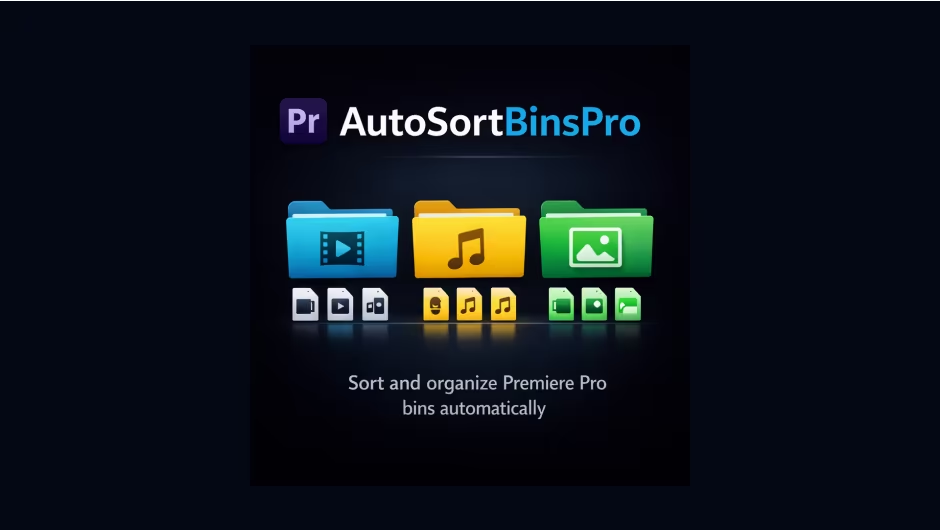
Premiere Pro 2026, 2025, 2024, 2023, 2022, 2021, 2020 | File size: 2.9 MB
Automatically sorts and organizes bins in Adobe Premiere Pro to keep projects clean, consistent, and faster to navigate.
1.0 - Apr 13, 2026
# AutoSortBinsPPRO
Organize Premiere Pro projects in seconds.
AutoSortBinsPPRO is a CEP panel that automatically sorts imported project items into clean, production-ready bins. It is designed for editors who need fast project hygiene without manual dragging and renaming.
## Why use it
- Saves repetitive manual bin organization time
- Keeps projects consistent across teams
- Works continuously in the background with auto-sort
- Supports undo for safe experimentation
- Generates a sort report for handoff and audit
## Key features
- `Sort now`: one-click full project sort
- `Auto-sort`: periodic sorting after imports
- `Custom interval`: set auto-sort frequency
- `Undo last sort`: restore previous item locations
- `Export report`: save sort report as `.txt`
- `License activation in panel`: activate or release workstation directly from UI
## Sorting categories
AutoSortBinsPPRO sorts items into these bins
- Video
- Audio
- SFX
- Music
- GFX
- Mogrt
- Proxies
- Nested Sequences
- Other
## Typical workflow
1. Install via aescripts + aeplugins Manager
2. Open panel in Premiere Pro (`Window > Extensions (Legacy) > AutoSortBinsPPRO`)
3. Activate license key in the licensing section
4. Run `Sort now` for initial cleanup
5. Enable `Auto-sort` for ongoing project organization
## Installation
Recommended
- Install using `aescripts + aeplugins Manager`
- Manager app link:https://aescripts.com/learn/aescripts-aeplugins-manager-app/
Manual fallback
- Included in package for Windows and macOS CEP extension folders
## Licensing
- Commercial license required
- Activation inside plugin UI
- Up to 2 workstations per license
- Device release supported directly in panel
## Compatibility
- Adobe Premiere Pro 2020-2026 (`14.x` to `26.9`)
- Windows and macOS
Quick check before we show the links
Helps us keep automated scrapers from hammering the filehosts.