OmniGraffle Pro 7.18 Multilingual macOS
This post was published 5 years ago. Download links are most likely obsolete. If that's the case, try asking the uploader to re-upload.
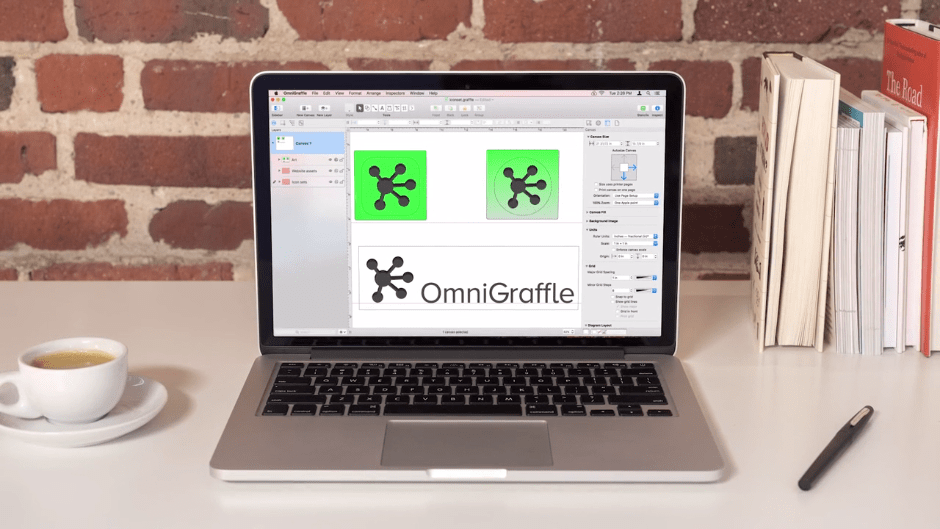
Languages: Multilingual | File Size: 67 MB
OmniGraffle 7 is a completely redesigned version of the application, offering integrated Inspector and Stencil windows, a brand new Resource Browser to manage stencils and templates, new artistic Fill and Stroke styles, improved Shared layers, powerful Shape Combinations, better Image Masking and Cropping, and a bevy of other new features.
Create Anything
OmniGraffle is for creating precise, beautiful graphics. Like website wireframes, an electrical system design, a family tree, or mapping out software classes. For artists, designers, casual data-mappers, and everyone in-between.
Design how you like
Extensive options for objects, canvases, templates, inspectors, and stencils in OmniGraffle mean that you can set out to do something well, quickly. Exactly what you’d expect.
All the extras
You’re not going to find a tediously navigable set of menubar items in OmniGraffle—just your favorite features, easy to find and easier than ever to use.
Work how you like
Make OmniGraffle yours, each and every way. From flexible inspectors to your own templates and stencils, it’ll be your most used, most comfortable tool, every day.
Pro Features
- Visio import/export: Open Microsoft Visio® documents (VSD or VDX) directly in OmniGraffle, as well as Visio stencils (VSS) and templates (VST). Export to Visio XML documents (VDX).
- Shared layers: Easily update common elements that you'd like to display on multiple canvases. Layers can now be toggled between a normal and a Shared layer.
- New controls specify which edge or center of an object is reflected in the Geometry Inspector. You can set the X and Y coordinates of a selected vertex point.
- Shape combinations: Easily create new shapes using combinations of existing shapes (with support for union, intersection, and subtraction). Combined shapes can now be uncombined into their component shapes.
- Resolution-independent Display Scale: When zoom is at 100%, match an Apple point, PostScript point, or screen pixel.
- Adobe Photoshop export has returned, and supports the export of OmniGraffle layers to Photoshop layers.
- Tables: Group shapes using tables, making it easy to add new rows or columns of your template shape.
RELEASE NOTES
OmniGraffle 7.18 for Mac introduces support for macOS 11 Big Sur. This release is a macOS Universal app, which can run natively on both Apple Silicon Mac and Intel-based Mac computers.
macOS Big Sur — OmniGraffle has been updated for compatibility with macOS Big Sur.
macOS Universal App — OmniGraffle now runs natively on both Apple Silicon Macs and Intel-based Mac computers.
Point Editor Tool — Command-Click a selected point to deselect it.
Omni Automation [PRO] — OmniGraffle now recognizes simple plug-ins that use the .omnigrafflejs file extension.
Omni Automation [PRO] — Omni Automation has been updated with improved security and per-script approval for external scripts.
AppleScript — Embedded AppleScript support has been updated with improved security to require per-script approval.
App Icon — The app icon has been updated to feel at home on macOS Big Sur.
Inspectors — Updated the appearance of the color well.
Text — Text stays sharp on non-retina displays while editing.
Export Panel — Keyboard focus starts in the export format options instead of on the PNG button. The selected format has a new appearance to differentiate it from the others.
Bézier Objects — Additional fixes for adding points to Bézier paths.
Inspectors — Fixed the width of the Flexible Canvas buttons to resize based on the text.
Images — PDF images set to tile and scaled up really large render on-screen and export with the correct resolution.
Lines — An alert will display when there are lines are missing enough points to define it. Points will be automatically created to allow the file to open.
Interface languages: Deutsch, English, Español, Français, 日本語, Nederlands, Italiano, Русский, 简体中文, Português do Brasil, 한국어.
System Requirements
OS: macOS 10.14 - macOS 11.0
Screenshots
Homepage
Quick check before we show the links
Helps us keep automated scrapers from hammering the filehosts.