Docker Containers, Third Edition
This post was published 8 years ago. Download links are most likely obsolete. If that's the case, try asking the uploader to re-upload.

MP4 | Video: AVC 1280x720 | Audio: AAC 48KHz 2ch | Duration: 5 Hours 48M | 14.6 GB
Genre: eLearning | Language: English | Skill Level: Beginner to advanced
by Christopher Negus
Publisher: Addison-Wesley Professional
Release Date: October 2017
ISBN: 9780134862958
Topics: Linux
Docker Containers LiveLessons takes you through your first experiences understanding, running, building, and managing Docker container, and then leads you into container orchestration with OpenShift and Kubernetes.
Overview
With cloud computing, applications need to move around efficiently and run almost anywhere. In this video, learn how you can create containerized applications with Docker that are lightweight and portable. First, Chris Negus shows you how to begin using Docker on Ubuntu, Red Hat Enterprise Linux, or Fedora systems (with options of Windows or Mac OS X). Then he shows you how to pull and push Docker container images from and to Docker registries. The next few lessons get you started running containers and investigating how they work. After that, you learn how to build your own Docker images. The video then examines orchestration tools, such as Kubernetes and Cockpit, and development tools, such as OpenShift, for deploying and managing containers. Finally, it provides some tips for developing your own Docker containers.
About the Instructor
Chris Negus has authored or co-authored dozens of books on Linux and UNIX, including the Red Hat Linux Bible (all editions), Linux Troubleshooting Bible, Linux Bible (now in its 9th edition), Linux Toolbox series, Linux Toys, Linux Toys II, and mostly recently, Docker Containers. /blogs/tomorrowland2/
Currently, Chris works for Red Hat, Inc., where he is a Red Hat Certified Architect (RHCA), Red Hat Certified Instructor and Examiner, and Principal Technical Writer. Early in his career, Chris worked for eight years with the organization at AT&T that developed the UNIX operating system.
Skill Level
Beginner to advanced
Learn How To
Run, stop, and restart Docker containers
Install Docker on standard Linux or specialized container operating systems
Set up a private OpenShift installation on Windows, Mac, or Linux with minishift
Set up a private Docker Registry or use OpenShift Registry
Create, run, and investigate Docker images and containers
Pull and push containers between local systems and Docker registries
Integrate Docker containers with host networking and storage
/blogs/tomorrowland2
Orchestrate multiple containers into complex applications with Kubernetes
Build a Docker container to simplify application deployment
Launch a containerized application in OpenShift
Employ best practices when developing containerized applications
Create interesting and powerful containers
Investigate Docker supporting technology that is on the horizon
Who Should Take This Course
System administrators who need to create, deploy, and manage Docker containers
Application developers who want to understand which applications are most appropriate for containerization and what are best practices for adapting their applications to containers
Course Requirements
A basic understanding of running commands in Linux
Familiarity with Linux concepts such as networking, software repos, and storage
Familiarity with concepts related to deploying applications
Lesson Descriptions
Lesson 1: Welcome to Docker Containers and Beyond
In Lesson 1, you learn the benefits of running applications in Docker containers. You also learn where Docker came from, the components that make up Docker, and other initiatives that have grown up around the Docker project.
Lesson 2: Getting Docker Software
In Lesson 2, you learn how to get Docker software and start it on the operating system that you choose. It includes procedures for installing Docker on Fedora, Ubuntu, Red Hat Enterprise Linux distributions, as well as the lightweight Project Atomic operating system. It also describes how to install an OpenShift cluster on your Linux, Windows, or Mac system, to have a container development/deployment setup on your laptop or desktop.
Lesson 3: Using Docker Registries
In Lesson 3, you start using Docker registries. Docker registries are places where container images are stored. There is a public Docker registry available (referred to as the Docker Index or Hub), but you can also set up private registries to store your own containers. You can also explore the private container registry that comes with OpenShift.
Lesson 4: Starting Up Containers
In Lesson 4, you start running containers on your Linux system. Once a container is running, you can explore your container in different ways, and then start and stop the containers as needed.
Lesson 5: Making Docker Images from Containers
In Lesson 5, you take containers you have made by running commands on your local system and save them as images you can transport. Once you have transported your new Docker image to another system running Docker, you can load the image and run it on that system. Or you can push your new image to the Docker Hub or to a private registry.
Lesson 6: Keeping Your Docker Build System Healthy
In Lesson 6, you learn ways to query the state of your Docker system and ways to keep it healthy, such as removing containers and images left on your system that you no longer need.
Lesson 7: Building Docker Images
In Lesson 7, you learn how to build a Docker container image that includes everything needed to run an application.
Lesson 8: Tips for Building Containers
In Lesson 8, you learn some simple rules to get better results from the containers you run, build, and manage. In particular, working with software repositories, networking, and storage are given extra attention in this lesson. How to choose a useful base image or builder image as the foundation of your images is also covered.
Lesson 9: Orchestrating with Kubernetes and OpenShift
Lesson 9 introduces you to the concept of container orchestration—how to manage multiple containers in pods using replication controllers and services in Kubernetes. This includes a demonstration of an all-in-one Kubernetes master and node as well as an example of how to investigate a Kubernetes cluster. After that, you explore the Cockpit Web-based interface for managing containers.
Lesson 10: Developing Containerized Applications
Lesson 10 describes applications you should keep an eye on that are currently in development for deploying containerized applications.
Lesson 11: Digging into Advanced Networking and Storage
Lesson 11 starts with descriptions for setting up default networking for your Docker systems, as well as how to change networking for individual containers. After that, it tells how containers can use storage from the host computer by mounting volumes and how to share storage volumes among containers.
Lesson 12: Running Super Privileged Containers
In Lesson 12, you learn about how Docker relies on the Linux Container feature (LXC) to separate containers from the Linux host. Building on that knowledge, you learn how to open containers to individual name spaces on the host or open containers completely to the host using what are referred to as super privileged containers.
Lesson 13: Going Further with Docker
In Lesson 13, you learn advanced security techniques and examine interesting Dockerfile files to see how others build containers. Next, you see commands such as atomic, runc, buildah, and skopeo to work with containers without the Docker service.
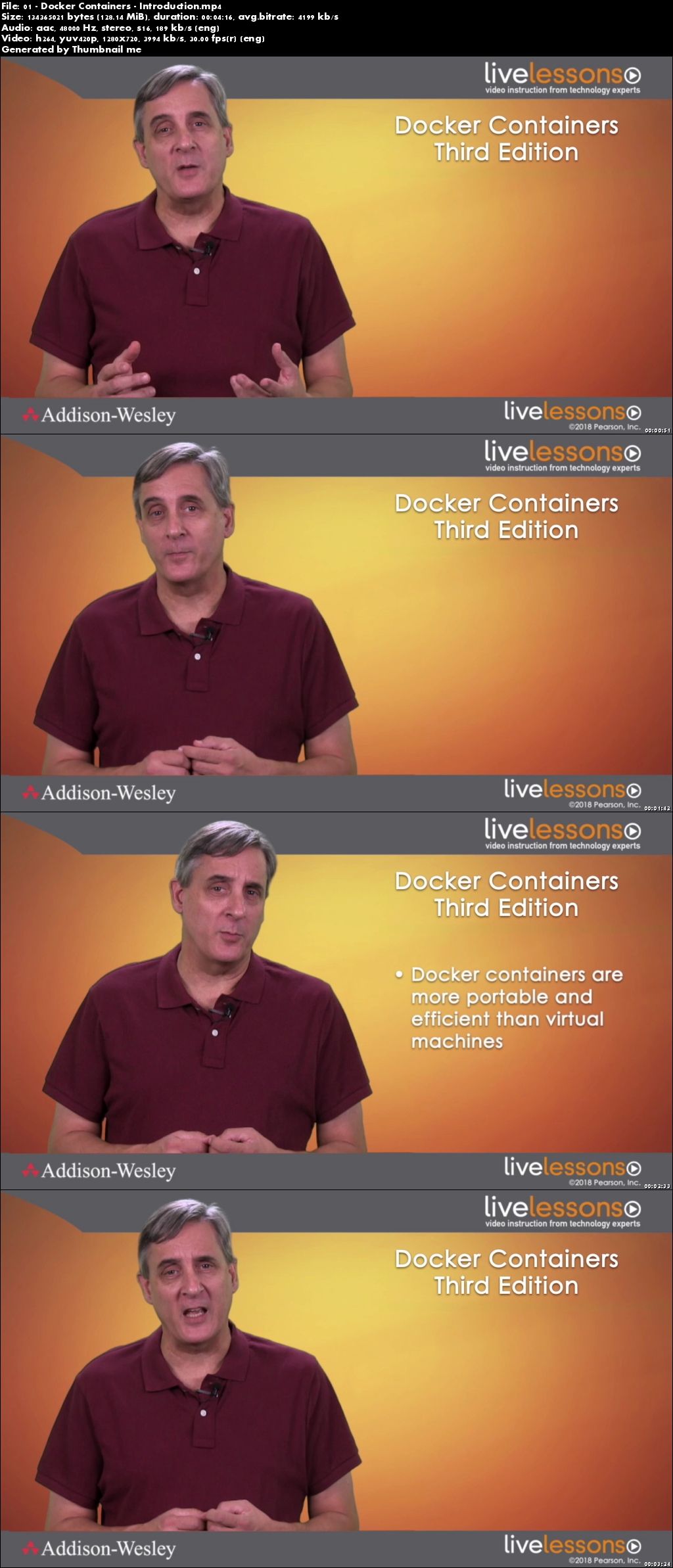
Screenshots
~~~~ Welcome to my Blogs ~~~~
Do not forget to check it every day!
If You should find any files not found, please PM me~ Download Download: Best Software for All
~ Tomorrowland2: Video Training
~ Pluralsight Tutorials: All Pluralsight Videos
~ EbookSA: Best Ebooks
~ Graphic World: Best Graphics
Quick check before we show the links
Helps us keep automated scrapers from hammering the filehosts.