iOS 11 Development Essential Training: Intermediate UI Design
This post was published 8 years ago. Download links are most likely obsolete. If that's the case, try asking the uploader to re-upload.

Duration: 1h 28m | Video: h264, 1280x720 | Audio: AAC, 44100 Hz, 2 Ch | 213 MB
Genre: eLearning | Language: English | Skill Level: Beginner
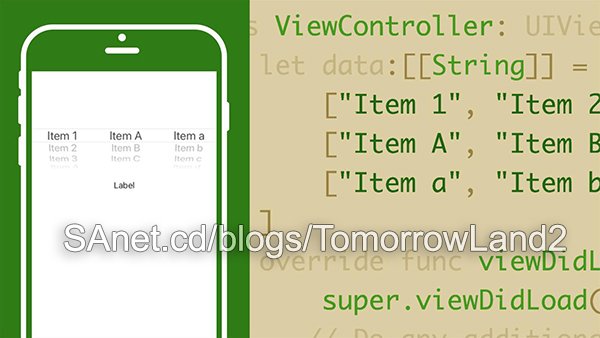
A successful user interface design isn't superficial. A good UI enhances the navigation, interactivity, and accessibility of your iOS app. This course provides training on the intermediate UI controls in the latest version of the Apple operating system, iOS 11, so you can create better user experiences.
Instructor Todd Perkins shows how to use pickers, pop-up messages, sliders, switches, and indicators to build a sophisticated app interface, and display HTML content, files, and data with web views. Plus, learn how to dynamically update your layouts using size classes, and get a brief overview of the Apple Human Interface Guidelines.
Topics include:
Picker views, controllers, sliders, and indicatorsCreating UI elements with codeDisplaying images with image viewsCreating web views to display web contentChanging fonts, pins, and views with size classes
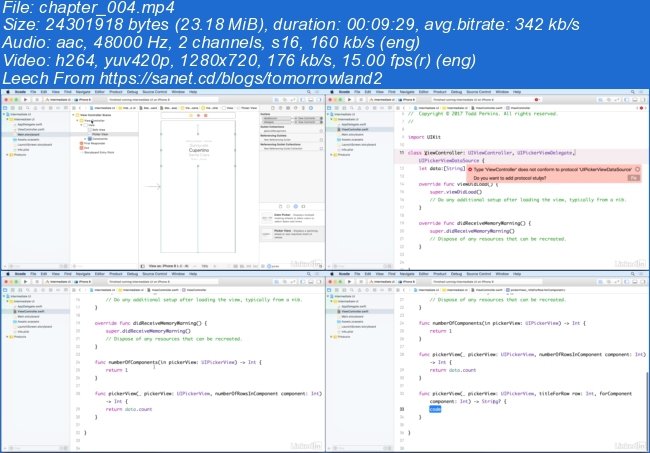
Screenshots
~~~~ Welcome to my Blogs ~~~~
Do not forget to check it every day!
If You should find any files not found, please PM me~ Download Download: Best Software for All
~ Tomorrowland2: Video Training
~ Pluralsight Tutorials: All Pluralsight Videos
~ EbookSA: Best Ebooks
~ Graphic World: Best Graphics
Quick check before we show the links
Helps us keep automated scrapers from hammering the filehosts.