Animating in 3ds Max: Constraints, Controllers, and Wire Parameters
This post was published 8 years ago. Download links are most likely obsolete. If that's the case, try asking the uploader to re-upload.
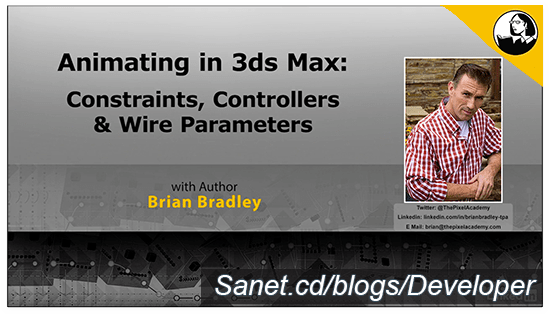
MP4 | Video:1280x720 | Duration: 1h 43m | 425 MB
Genre: eLearning | Language: English | Level: Intermediate
Autodesk 3ds Max boasts a robust set of animation tools that can be used to bring characters, machinery, and even environments to life. In this course, get acquainted with some of the fundamental tools that can be used to both create and control animations. To make this course as practical as possible, instructor Brian Bradley introduces each tool (or set of tools) in a practical exercise that helps you see the tool in action. He covers working with controllers, creating reactions, using motion capture, working with constraints and wire parameters, and more.
Topics include
Reviewing the importance of pivot points in animation
Accessing and working with controllers in the UI
Creating reaction animations
Constraints
LookAT controllers
Wire parameters
Screenshots

Quick check before we show the links
Helps us keep automated scrapers from hammering the filehosts.