InDesign CC Essential Training (Updated Jan 12, 2016)
This post was published 8 years ago. Download links are most likely obsolete. If that's the case, try asking the uploader to re-upload.

MP4 | Video: h264, yuv420p, 1280x720 30fps | Audio: aac, 44100 Hz, 2 ch | Duration: 9h 35m | 2.09 GB | Language: English
Genre: eLearning | Beginner | Jun 19, 2015
InDesign is an essential tool for designers, ad agencies, magazines, newspapers, book publishers, and freelancers around the world. It's used to build everything from traditional print publications to interactive PDFs, digital magazines, and ebooks. This course presents a thorough explanation of the core features and techniques that make this page layout application so powerful, fun, and easy to use.
Want to learn InDesign in just 20 minutes? Watch the first chapter, which concentrates on the most essential skills: editing text, adding graphics, moving objects, and creating PDFs. Once you're ready to move on, InDesign insider David Blatner will show you the rest of what InDesign has to offer. Learn how to navigate and customize the workspace, manage documents and pages, format text and graphics, experiment with color and gradients, draw and transform shapes, create interactive documents, package your designs for print, and much more.
Topics include:
*Getting started with InDesign in just 30 minutes
*Setting up a new document
*Inserting text
*Placing graphics
*Formatting objects
*Creating color and gradient swatches
*Organizing InDesign projects with layers
*Transforming objects
*Incorporating drop caps, bullets, and numbering
*Applying character and object styles
*Building tables
*Creating an interactive PDF and exporting to EPUB
*Printing and exporting
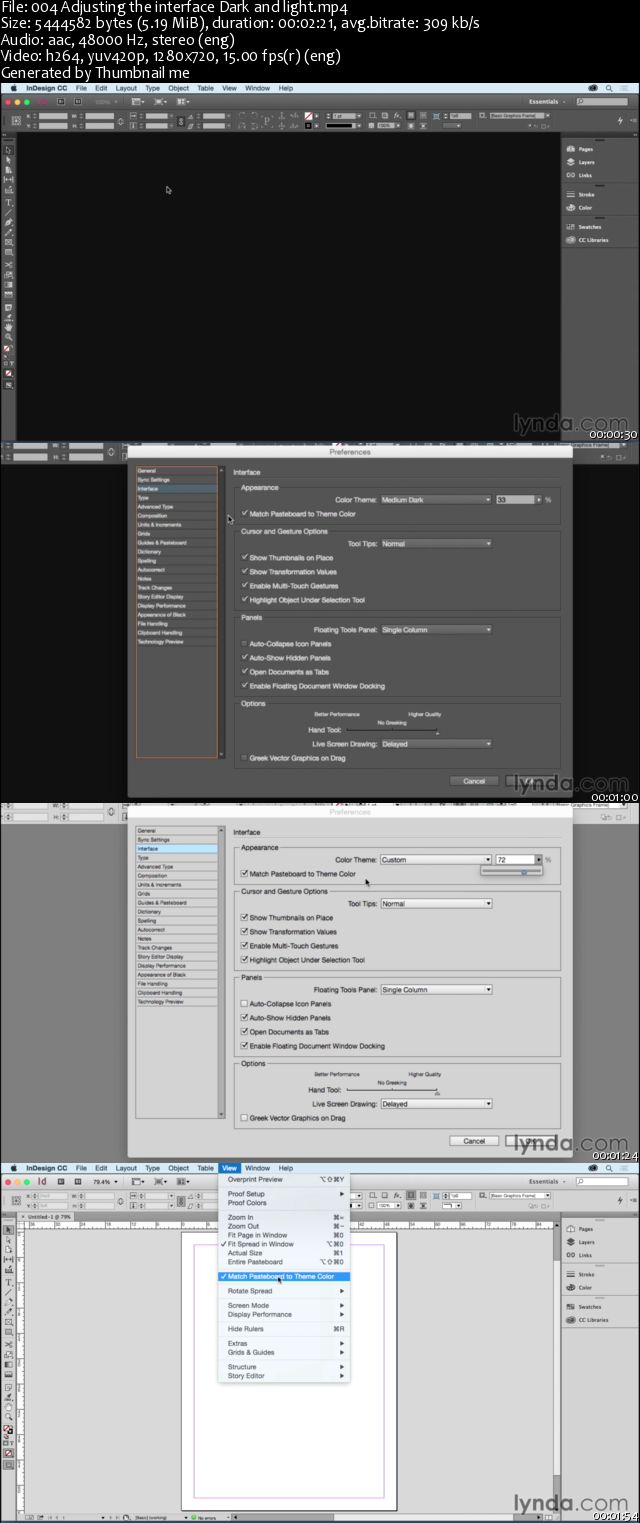
Screenshots
If you like my post click on "Say thank you".
Quick check before we show the links
Helps us keep automated scrapers from hammering the filehosts.