Illustrator CC 2018 One-on-One Fundamentals
This post was published 8 years ago. Download links are most likely obsolete. If that's the case, try asking the uploader to re-upload.

MP4 | Video: h264, 1280x720 | Audio: AAC, 48 KHz, 2 Ch | Duration: 18:15:59m | 3.4 GB
Genre: eLearning | Language: English + English Subtitles
Design and create amazing works of art using Adobe Illustrator CC 2018, the powerful vector-based drawing program. This comprehensive training is the first in a series of three courses by industry pro Deke McClelland. Learn how to work with artboards; how to draw anything you can imagine with the Pen, Pencil, and Curvature tools; and how to start adding color to your artwork with swatches. Deke also covers drawing shapes, adjusting strokes, formatting text, and painting digitally, with or without a tablet. Each chapter should leave you with a new set of skills and a sense of accomplishment.
Topics include:
Opening, creating, saving, and closing documents
Working with artboards
Zooming and panning
Drawing lines, arcs, grids, and spirals
Drawing shapes
Creating compound paths
Working in RGB vs. CMYK color modes
Creating and applying swatches
Adjusting the line weight of strokes
Formatting text
Building custom paths with the Shape Builder and Join tools
Freeform drawing with the Pencil
Painting and erasing artwork
Drawing with the Curvature tool
Reshaping rounded paths
Making screen graphics
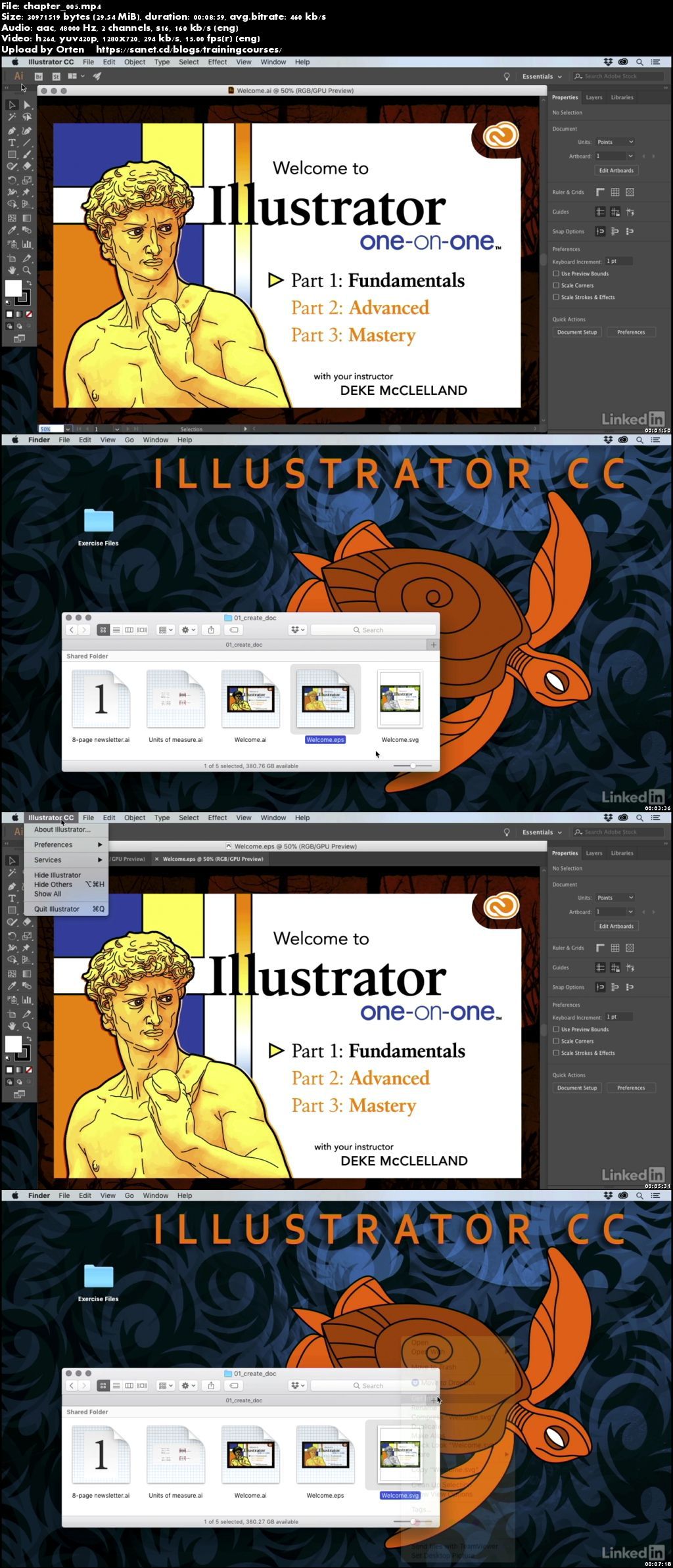
Screenshots
Quick check before we show the links
Helps us keep automated scrapers from hammering the filehosts.