Lynda - Illustrator CC for Web Design: Wireframing
This post was published 8 years ago. Download links are most likely obsolete. If that's the case, try asking the uploader to re-upload.

2h | Video: AVC (.mp4) 1280x720 15&30fps | Audio: AAC 48KHz 2ch | 234MB
Genre: eLearning | Intermediate | Language: English
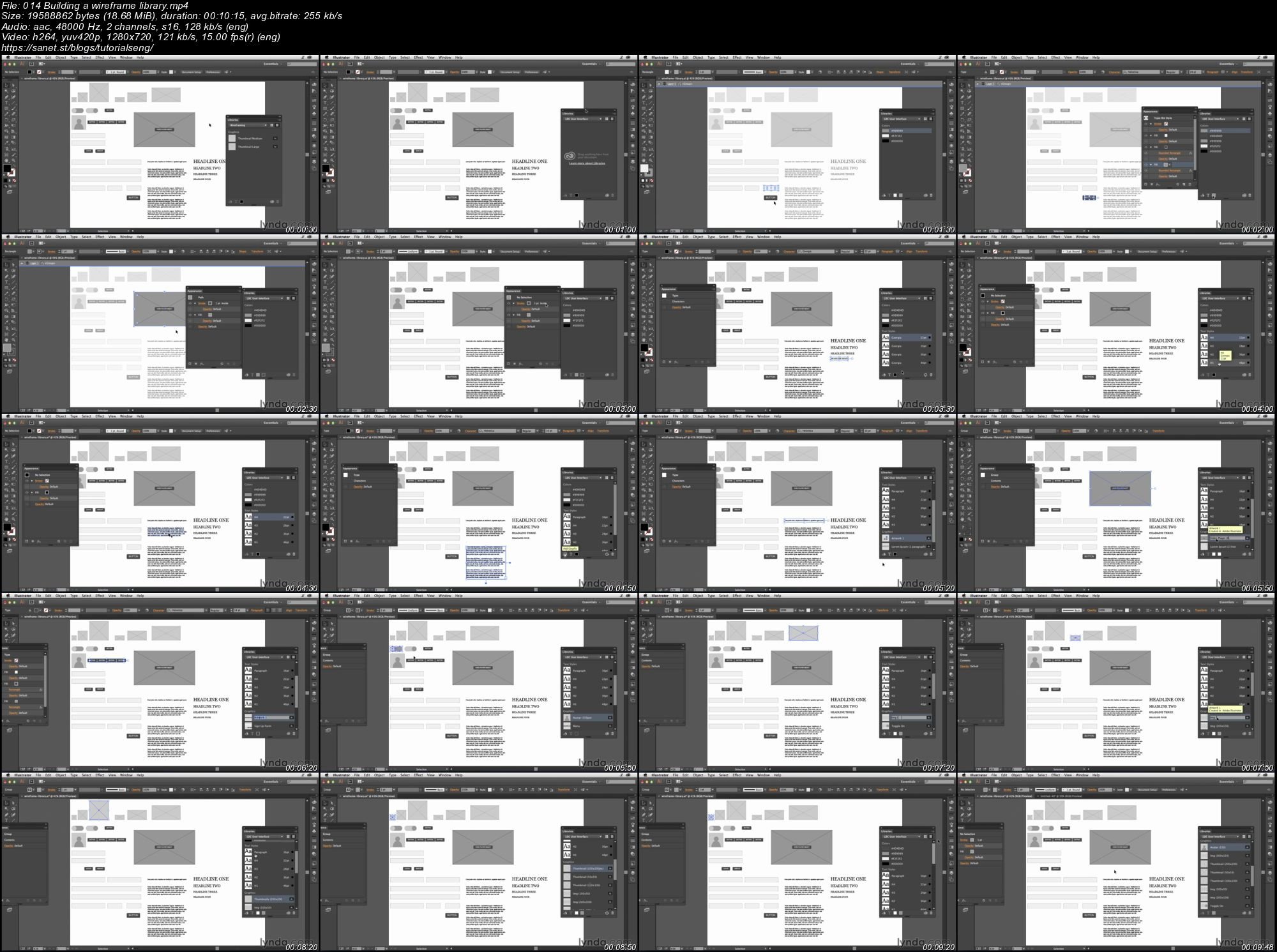
Illustrator's libraries and symbols make it a great program for developing detailed wireframes for your design ideas. In this installment of Illustrator CC for Web Design, Justin Seeley walks through everything to know about creating, using, and saving wireframes in Illustrator. Starting with a carefully chosen color scheme, Justin shows how to structure a wireframe in layers, develop templates for different devices, and create a library of ready-to-use UI elements, including multistate buttons and placeholders for media and forms. He then combines these elements in an example wireframe, and shows how to save versions of your file as the design evolves.
Miss part one? Check out Illustrator CC for Web Design: Core Concepts.
Topics include:
Choosing a color scheme
Creating a layer structure
Targeting specific devices
Building a wireframe library
Adding UI placeholders
Assembling your wireframe
Saving and versioning a wireframe
Screenshots
Quick check before we show the links
Helps us keep automated scrapers from hammering the filehosts.