CreativeLIVE - Turbo-charged Retouching Techniques with Ben Willmore
This post was published 7 years ago. Download links are most likely obsolete. If that's the case, try asking the uploader to re-upload.
Duration:01:25:41|Video:AVC854x480960 Kbps | Audio:264 KbpsAAC LCN/AN/A| File Size:637.43 MB|Language:N/A
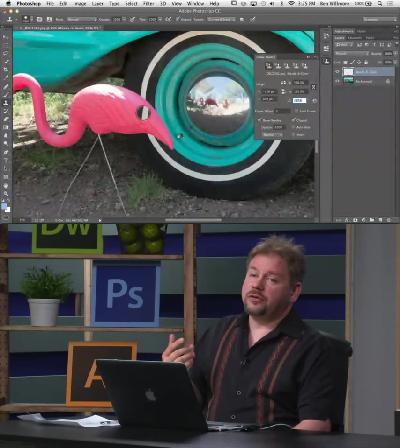
Learn how to retouch any image, whether it be the simplest problem or the most complex and seemingly impossible task. Understand the difference between all the retouching tools and then learn how to supplement them with other Adobe® Photoshop® features. See how multiple images can be combined into a seamless composite that is much more than the sum of its parts.
Learn the difference between all the retouching tools and when to use each one
1 See how the Clone Source panel can help with difficult retouching jobs
2 Rid your images of telephone poles, power lines and pedestrians, even if they overlap complex backgrounds like trees
3 Discover how Layer Masks, Blending Sliders and Vector Masks are best implemented
4 Learn how Smart Objects can allow you to make almost infinite changes to your design without having to rework your image
Homepage
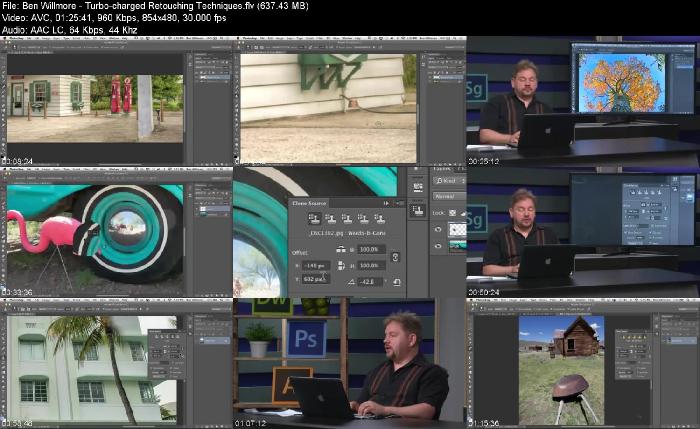
Screenshots
Quick check before we show the links
Helps us keep automated scrapers from hammering the filehosts.