How To Edit Videos in Adobe Premiere Pro 2021 as a BEGINNER (Short Video Editing Masterclass 2021)
This post was published 5 years ago. Download links are most likely obsolete. If that's the case, try asking the uploader to re-upload.
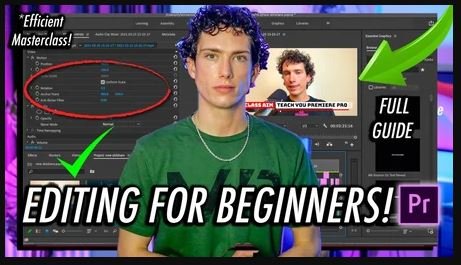
MP4 | Video: h264, 1920x1080 | Audio: AAC, 48000 Hz
Language: English | Size: 141 MB | Duration: 17m
Today I teach you How To Edit Videos in Adobe Premiere Pro 2021 from scratch meaning if you don't know anything about video editing and you're looking to learn how to edit videos then this class is perfect for you! This class is for beginners who are looking at how to edit in Adobe Premiere Pro.
This class aims to efficiently teach you how to edit videos to a high stand and edit them in an engaging way. The teacher has 6 years editing experience and 5 years experience editing in Premiere Pro. Today as a beginner you will learn
How to adding footage to Premiere Pro
How to cut footage in Premiere Pro
How to adjust the volume in Premiere Pro
How to add motion graphics in Premiere Pro
How to add transition, visual and audio effects in Premiere Pro
How to colour grade using adjustment layers in Premiere Pro
Thank you for looking at this class "How To Edit Videos in Adobe Premiere Pro 2021 as a BEGINNER (Short Video Editing Masterclass 2021)" I hope you watch it and learn a lot from this Short Video Editing Masterclass 2021!
Any problems let me know, thank you! :)
Screenshots
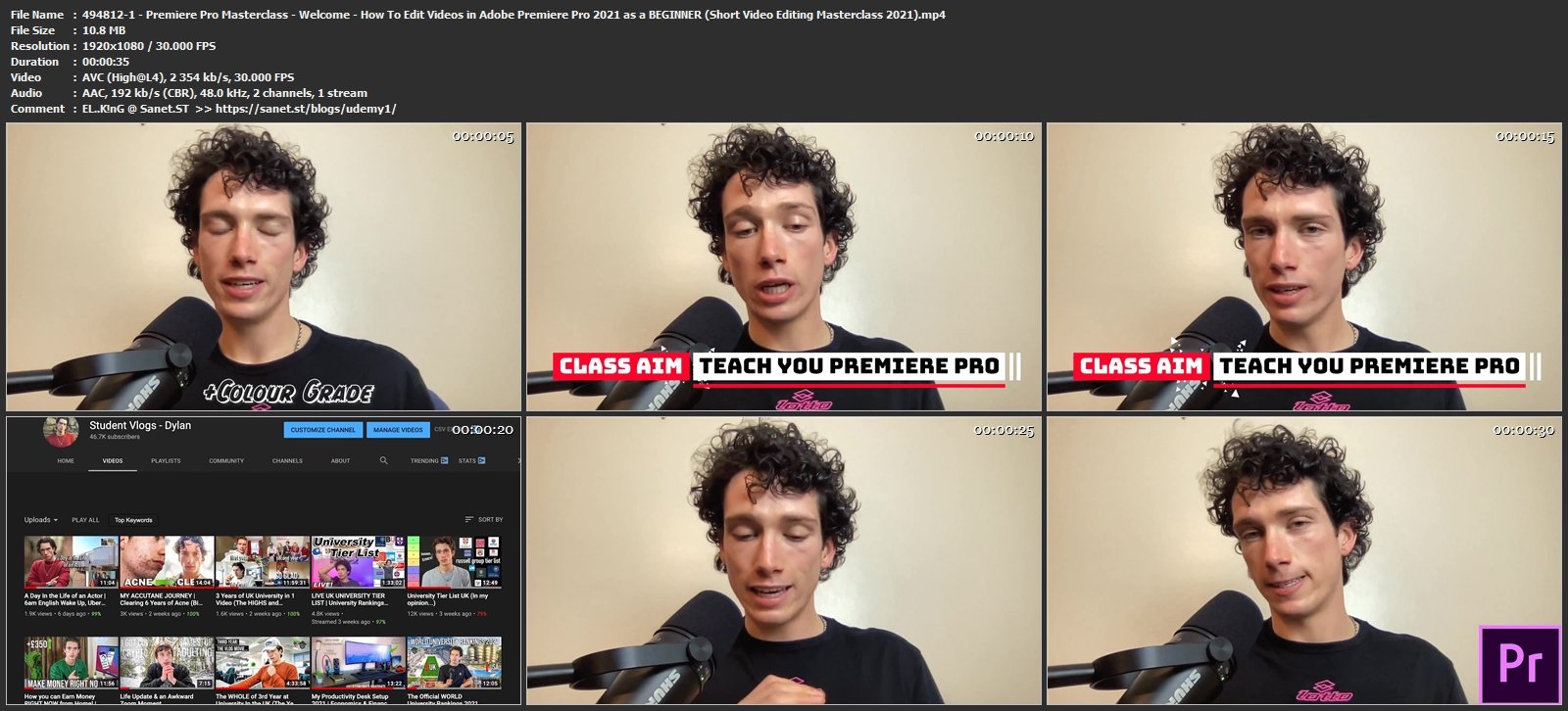
Homepage
Without You And Your Support We Can’t Continue
Thanks For Buying Premium From My Links For Support
Click >> Here & Visit My Blog Daily For More Udemy Tutorial. if You Need Update or Links Dead Don't Wait Just PM Me or Leave Comment at This Post
Quick check before we show the links
Helps us keep automated scrapers from hammering the filehosts.