5 Advanced Photoshop Tips: Photo Editing Beyond Lightroom
This post was published 5 years ago. Download links are most likely obsolete. If that's the case, try asking the uploader to re-upload.

MP4 | Video: h264, 1920x1080 | Audio: AAC, 48000 Hz
Language: English | Size: 824 MB | Duration: 46m
As a product and food photographer I spend a lot of time tuning and retouching my images. For the bulk of my editing work, I'm using Lightroom but there's a handful of cases where having Photoshop has taken my work to the next level and allowed me to work faster and better than I could in Lightroom alone.
In this class I’ll share my top 5 tips for cleaner and faster edits in Photoshop.
I’ll cover:
How to use the Content Aware Fill tools to fix and crop dynamically
How I adjust, heal, and clone blemishes and distractions in my work
How to edit quickly to remove dust and scratches in bulk
How to craft a seamless head swap
How to blend images together to create an eye-catching composite
This class is for intermediate to advanced level photographers. Ideally you know your way around Photoshop and you're looking for that next step in your work. By the end of class I hope to offer you a few quick tips and tricks you can use to fine tune your edits, speed up your workflow, and help you out in a pinch!
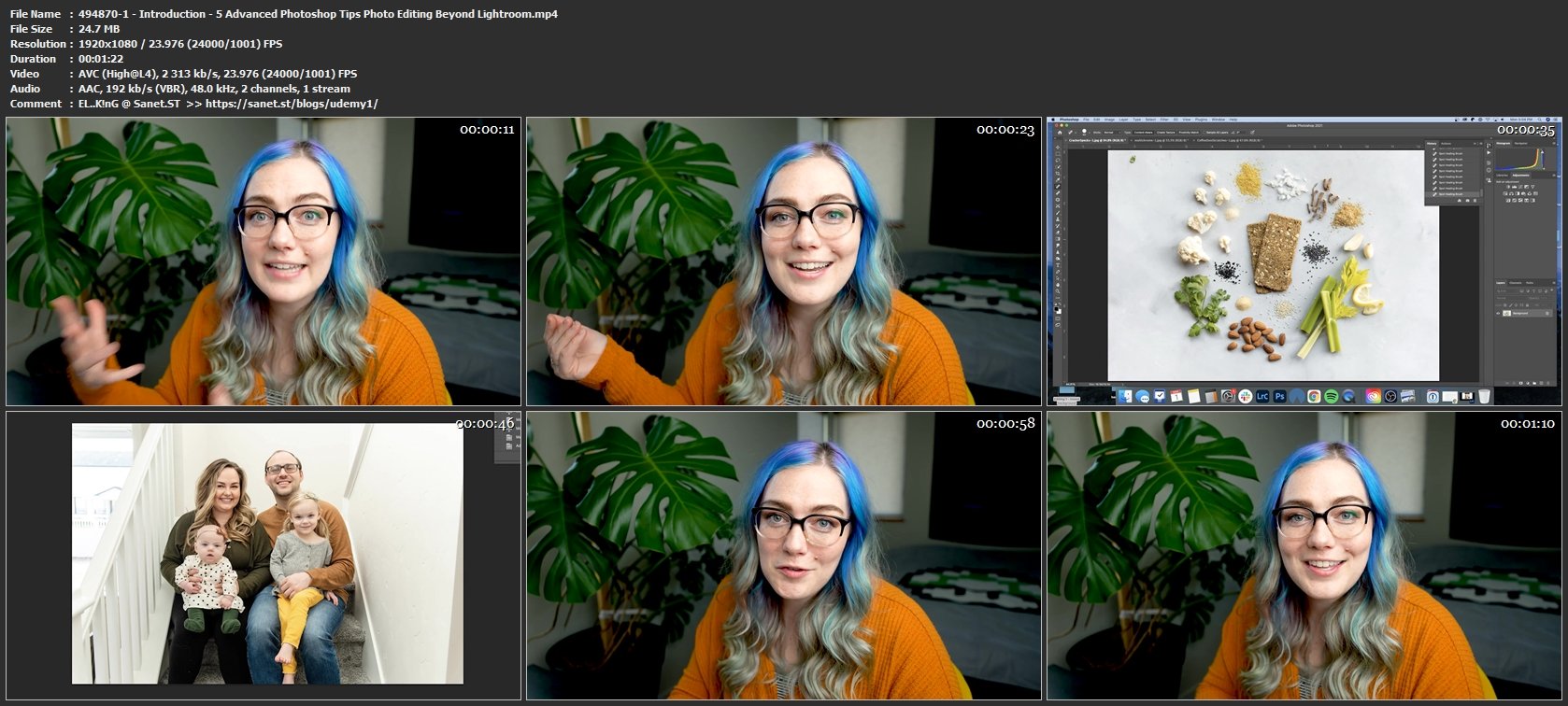
Screenshots
Homepage
Without You And Your Support We Can’t Continue
Thanks For Buying Premium From My Links For Support
Click >> Here & Visit My Blog Daily For More Udemy Tutorial. if You Need Update or Links Dead Don't Wait Just PM Me or Leave Comment at This Post
Quick check before we show the links
Helps us keep automated scrapers from hammering the filehosts.