Adobe After Effects - Smart Tips To Boost Your Adobe Skills
This post was published 3 years ago. Download links are most likely obsolete. If that's the case, try asking the uploader to re-upload.

Published 07/2022
Genre: eLearning | MP4 | Video: h264, 1280x720 | Audio: AAC, 44.1 KHz
Language: English | Size: 2.58 GB | Duration: 32 lectures • 2h 44m
Effects, Presets, Masking Images, Track Matte, Motion Path, Toggle Hold Keyframe, Trim Path PLUS Spinning Globe Effect
What you'll learn
Identify the various tools and options available in Adobe After Effects
Define the various terminologies related to Adobe After Effects
List the step-by-step process of implementing the key features such as - Masking images, creating Motion Paths, working with Track Mattes, etc
Detail the step by step process of creating the stroke of text effect and creating a spinning globe effect
Requirements
Latest version of Adobe After Effects
Description
Get instant access to a 10-page workbook on Adobe After Effects, follow along, and keep for reference
Introduce yourself to our community of students in this course and tell us your goals with data science
Encouragement and celebration of your progress every step of the way: 25% > 50% > 75% & 100%
Over 2 hours of clear and concise step-by-step instructions, lessons, Q&A and engagement
Knowledge Checks to assess your knowledge and skills
This Adobe After Effects - Smart Tips course has been designed to help artists and graphic designers who create logos, icons, charts, infographics, posters, ads, books, magazines, and brochures.
What you will learn
Identify the various tools and options available in Adobe After Effects
Define the various terminologies related to Adobe After Effects
List the step-by-step process of implementing the key features such as - Masking images, creating Motion Paths, working with Track Mattes, etc
Detail the step by step process of creating the stroke of text effect and creating a spinning globe effect
...and more!
Contents and Overview
You'll start by Getting Started & Working With Effects & Presets
We will also cover Masking Images & Working With Track Matte
This course will also tackle Creating A Motion Path & Using Toggle Hold Keyframe
Then, Animating The Stroke Of Text & Create A Spinning Globe
Who are the Instructors?
Mike Lanesman is your lead instructor – a professional making a living from teaching graphics and design. As a graphic design expert, he has joined with content creator Peter Alkema to bring you this amazing new course.
You'll get premium support and feedback to help you become more confident with Adobe After Effects!
We can't wait to see you on the course!
Enroll now, and we'll help you improve your Adobe After Effects skills!
Peter and Mike
Who this course is for
The course has been designed to help artists and graphic designers who create logos, icons, charts, infographics, posters, ads, books, magazines, and brochures.
Screenshots
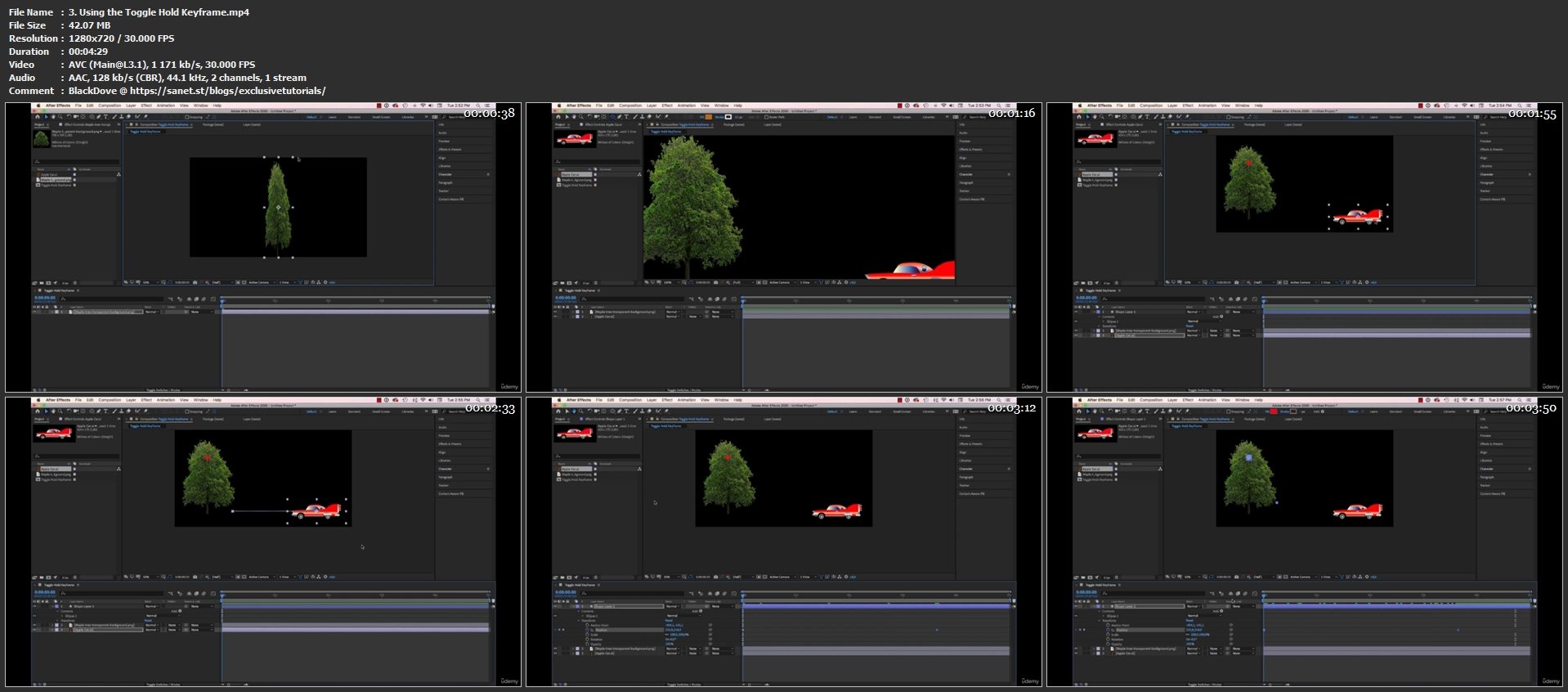
Homepage
Without You And Your Support We Can’t Continue
Please Buy Premium Account From My Links For Support
Click >>Here & Visit My Blog Daily For More Udemy Tutorial. if You Need Update or Links Dead Don't Wait Just PM Me or Leave Comment at This Post
Quick check before we show the links
Helps us keep automated scrapers from hammering the filehosts.