Installing Python on Windows, macOS, and Linux
This post was published 4 years ago. Download links are most likely obsolete. If that's the case, try asking the uploader to re-upload.

MP4 | Video: h264, 1920x108 | Audio: AAC, 44.1 KHz
Language: English | Size: 57.1 MB | Duration: 8 Lessons | 10m
To get started working with Python, you’ll need to have access to the Python interpreter. There are several common ways to accomplish this.
In this course, you will learn how to install the latest version of Python 3 on your computer.
Many operating systems, such as macOS and Linux, come with Python pre-installed. The version of Python that comes with your operating system is called your system Python.
The system Python is almost always out-of-date, and may not even be a full Python installation. It’s essential that you have the most recent version of Python so that you can follow along successfully with the examples in this book.
There are two major versions of Python available: Python 2, also known as legacy Python, and Python 3. Python 2 was released in the year 2000 and will reach its end-of-life on January 1, 2020. This course focuses on Python 3.
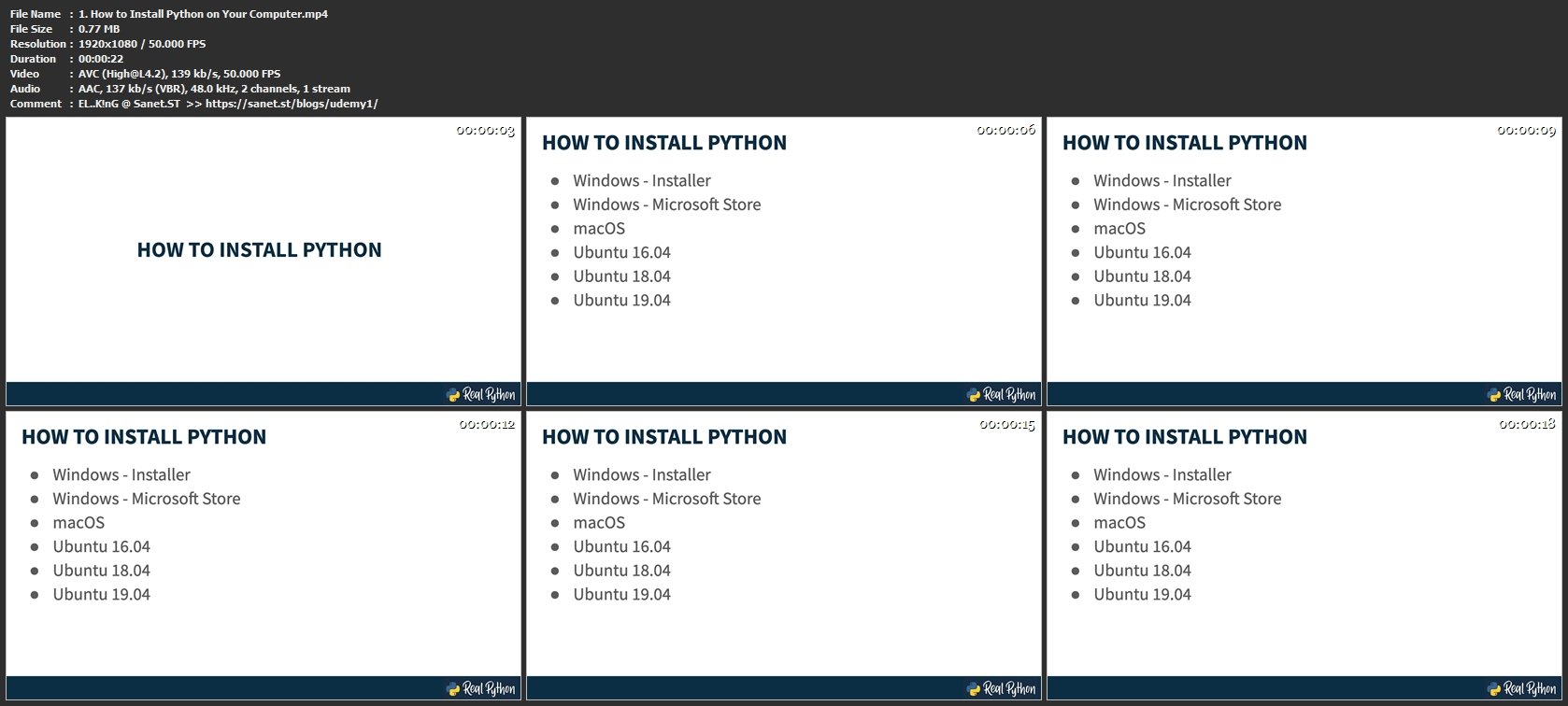
It is split into three sections: Windows, macOS, and Linux. Just find the section for your operating system and follow the steps to get your computer set-up.
If you have a different operating system, check out the Python 3 Installation & Setup Guide maintained on realpython.com to see if your OS is covered.
Screenshots
Homepage
Without You And Your Support We Can’t Continue
Thanks For Buying Premium From My Links For Support
Click >> Here & Visit My Blog Daily For More Udemy Tutorial. if You Need Update or Links Dead Don't Wait Just PM Me or Leave Comment at This Post
Quick check before we show the links
Helps us keep automated scrapers from hammering the filehosts.