Ubuntu Class - Linux Virtualization & DevOps
This post was published 5 years ago. Download links are most likely obsolete. If that's the case, try asking the uploader to re-upload.
Genre: eLearning | MP4 | Video: h264, 1280x720 | Audio: AAC, 44.1 KHz
Language: English | Size: 1.00 GB | Duration: 3h 16m
Learn Virtualization and DevOps concepts.
What you'll learn
Virtualization
KVM Introduction
DevOps Concepts
Vagrant Introduction
Ansible Introduction
Containerization
Docker Introduction
Git Introduction
Jenkins Introduction
Description
# Module 0 - Course Introduction:
- the course outline (the goal and overall objectives)
- the course instructor (a video about myself)
- the course resources (presentation slides, KVM questions, Bash scripts, Vagrantfiles and Ansible playbooks)
# Module 1 - Linux Virtualization:
- understanding virtualization
- KVM introduction (install KVM using a Bash script)
- KVM commands (discussing some common KVM commands you'll encounter)
- module demonstration (using KVM to install guest virtual machines)
- module questions
# Module 2 - DevOps Overview:
## DevOps:
- introduction & practices (covering some common DevOps terminology used)
- discussing DevOps tools
## Vagrant:
- Vagrant introduction (using Vagrant for machine provisioning)
- Vagrant commands (discussing some common Vagrant commands you'll encounter)
- Vagrant demonstration (automate LAMP installation with Bash provisioning script)
## Ansible:
- Ansible introduction (using Ansible for configuration management)
- Ansible modules & ad-hoc commands
- Ansible demonstration (install LAMP stack across multiple machines using playbooks)
## Docker:
- understanding containerization
- Docker introduction (using Dockers for creating containers)
- Docker commands (discussing some common Docker commands you'll encounter)
- Docker demonstration
## Git:
- Git introduction (using Git for version)
- Git commands (discussing some common Git commands you'll encounter)
- Git demonstration
## Jenkins:
- installing Jenkins (bootstrap Vagrant with Bash provisioning script)
- configuring Jenkins (configure Jenkins through a web browser)
- touring Jenkins interface (we will take a tour of the Jenkins interface)
- Jenkins demonstration
Screenshots
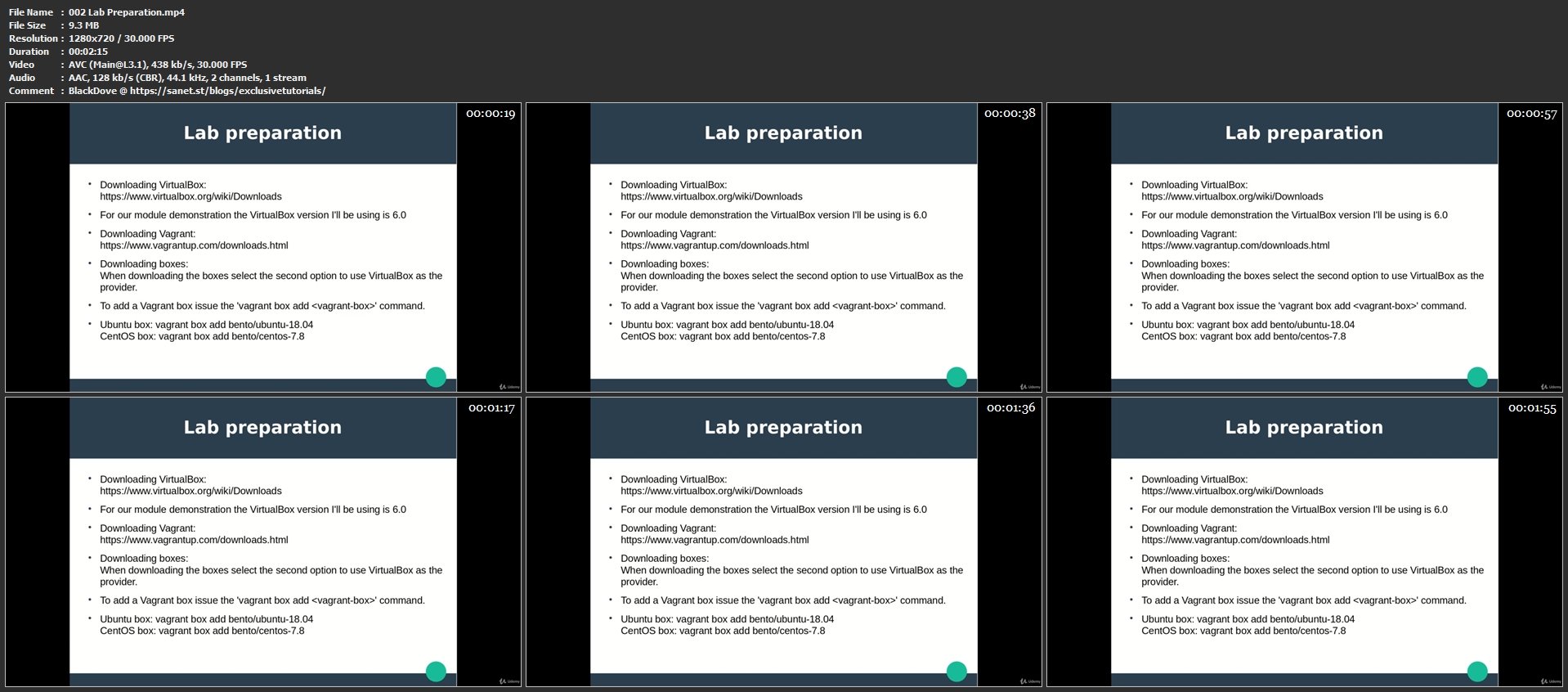
Homepage
Without You And Your Support We Can’t Continue
Thanks For Buying Premium From My Links For Support
Click >> Here & Visit My Blog Daily For More Udemy Tutorial. if You Need Update or Links Dead Don't Wait Just PM Me or Leave Comment at This Post
Quick check before we show the links
Helps us keep automated scrapers from hammering the filehosts.