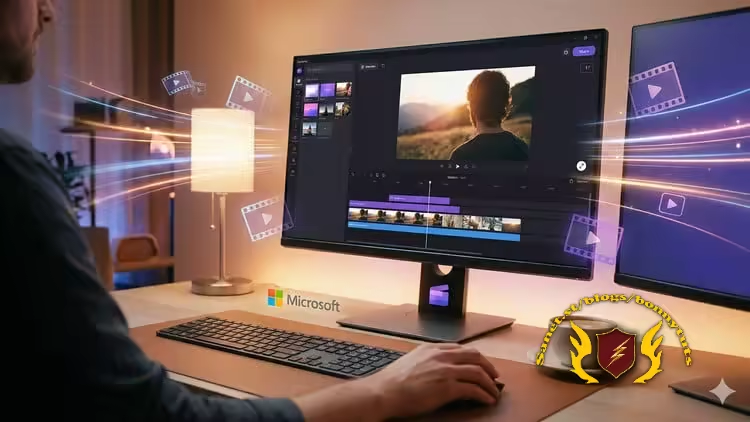
Clipchamp Video Editing Masterclass – A Complete A-Z Guide
Published 2/2026
Created by Prince Patni
MP4 | Video: h264, 1920x1080 | Audio: AAC, 44.1 KHz, 2 Ch
Level: All | Genre: eLearning | Language: English | Duration: 23 Lectures ( 2h 2m ) | Size: 1.54 GB
Learn Clipchamp easily and use Clipchamp to create high-quality videos for YouTube, Instagram reels, marketing and more.
What you'll learn
✓ Navigate the Clipchamp interface confidently and understand all core tools.
✓ Create professional-quality videos from scratch using templates and manual editing.
✓ Edit videos with trims, transitions, text, filters, and effects.
✓ Add voiceovers, music, subtitles, and use the stock media library effectively.
✓ Export, optimize, and share videos for platforms like YouTube, Instagram, and business use.
✓ Step by Step process of doing each activity, with live examples and clear descriptions.
Requirements
● ChatGPT said: A computer with internet access, a Clipchamp account, and basic computer skills are all you need—no prior video editing experience required.
Description
Learn how to create stunning, professional quality videos using Clipchamp - Microsoft’s powerful and beginner-friendly video editor. This course is designed to take you from absolute beginner to confident video creator with a fully practical, hands-on approach.
In this course, you will learn how to
• Navigate the Clipchamp interface with confidence
• Create videos from scratch using templates and manual editing
• Trim, split, and arrange clips like a professional editor
• Add text, animations, transitions, filters, and visual effects
• Add background music, voiceovers, sound effects, and subtitles
• Use the built-in stock video, image, and audio library
• Export and optimize videos for YouTube, Instagram, LinkedIn, and business use
Why should you learn Clipchamp?
• It’s fast, cloud-based, and works smoothly on most systems
• No expensive software or high-end computer is required
• Perfect for creators, marketers, teachers, freelancers, and beginners
Why take this course?
• 100% beginner-friendly with step-by-step guidance
• Fully practical with real-world video editing examples
• Learn by doing, not just by watching
• Designed for quick skill-building and immediate results
By the end of this course
• You will confidently create professional videos for social media, work, and personal projects
• You will receive a Certificate of Completion to showcase your achievement on LinkedIn and your résumé
Enroll now and start creating powerful videos with Clipchamp today!
Who this course is for
■ Beginners who want to start video editing with an easy-to-use tool.
■ Content creators for YouTube, Instagram, and social media.
■ Business owners and marketers creating promotional videos.
■ Students and teachers making presentations and educational videos.
■ Freelancers and professionals who want to add video editing to their skill set.
Welcome to My Blog - Check it Every Days
If you have any troubles with downloading, PM me
Please Buy Premium Account from my links to get high download speed and support me
Happy Learning!!
Quick check before we show the links
Helps us keep automated scrapers from hammering the filehosts.