Microsoft Excel: 10 Useful Keyboard Shortcuts for Beginners
This post was published 6 years ago. Download links are most likely obsolete. If that's the case, try asking the uploader to re-upload.
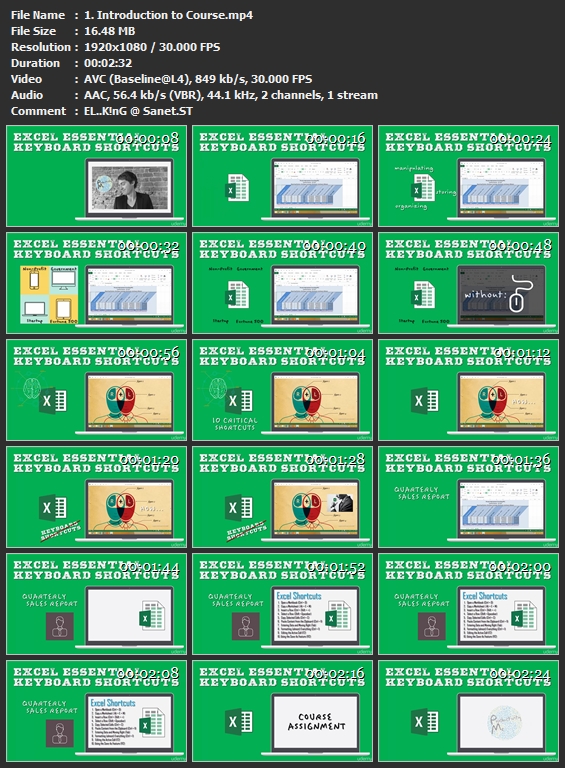
Genre: eLearning | MP4 | Video: h264, 1920x1080 | Audio: aac, 44100 Hz
Language: English | VTT | Size: 369 MB | Duration: 1 hours
What you'll learn
Use 10 critical, job-related keyboard shortcuts
Apply these Microsoft Excel keyboard shortcuts to real-world problems
Discover additional keyboard shortcuts to add to one’s productivity arsenal
Requirements
Have a general understanding of Microsoft Excel (i.e., cells, rows, columns, spreadsheets, workbooks, etc.)
Description
Hi and welcome! My name is Tolan and I'm the Co-Founder of ProductivityMe.
Microsoft Excel is an amazing application. Over the last 30 years, it has become the industry standard for manipulating, organizing, storing, and analyzing data in a tabular form.
Whether you work in a non-profits, a start-up, a fortune 500 firm, or even government, you’re bound to come across needing to know Microsoft Excel, at least a little bit, a some point in your career.
Working in the consulting industry, I’ve come to acknowledge the importance of Microsoft Excel. For many of us, becoming better at Microsoft Excel isn’t a choice… it’s a NECESSITY!
Learning how to use the program as efficiently and effectively as possible, can save you minutes, even hours per task!
What would you do with another 10, 20, 50 hours per month?
In this short, easy-to-follow course, we’ll cover ten of Excel’s most relevant, job-related shortcuts. These shortcuts may be simple, but they are super useful!
Then, in section three of the course, we’ll apply all ten Excel keyboard shortcuts to a real-world example.
So with that, let’s get started!
Click the green “Take This Course” button today, and stop wasting your time in Microsoft Excel.
Cheers,
Tolan & Ryan
The ProductivityMe Co-Founders
Who this course is for:
This course is designed for Windows Users (i.e., Excel 2007, 2010, 2013, or 2016)
This course is NOT designed for Mac Users (i.e., Excel 2011 for Mac, Excel 2016 for Mac)
Homepage
Screenshots
Without You And Your Support We Can’t Continue
Thanks For Buying Premium From My Links For Support
Quick check before we show the links
Helps us keep automated scrapers from hammering the filehosts.