Presentation Tips Weekly (Updated 10/14/2019)
This post was published 6 years ago. Download links are most likely obsolete. If that's the case, try asking the uploader to re-upload.
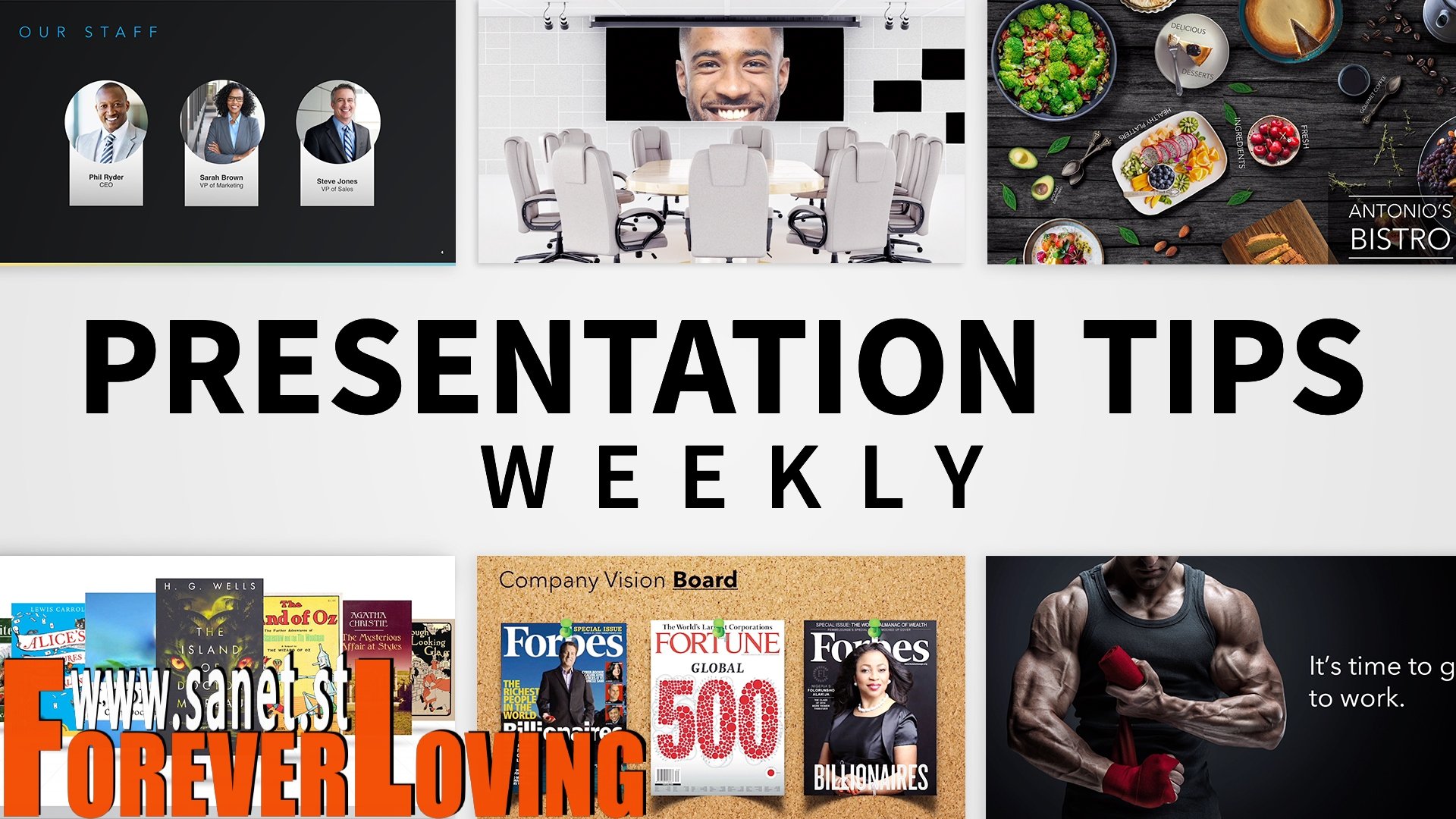
MP4 | Video: AVC, 1280x720 30 fps | Audio: AAC, 48 KHz, 2 Ch | Duration: 1h
Skill Level: Intermediate | Genre: eLearning | Language: English + Subtitles | Size: 409 MB
Starting to find your slides less than inspiring? In this weekly series, join elite presentation designer Jole Simmons as he shares tips for banishing boring bullet points and creating dazzling presentations with PowerPoint, Keynote, and other popular tools. Jole highlights special functionality in your favorite presentation apps, including how to create After Effects-like animations in Keynote and use 3D models in PowerPoint. He also covers a range of general techniques, from choosing effective stock photos to creating your very own presentation toolbox. Tune in every Monday for a new tip.Note: Because this is an ongoing series, viewers will not receive a certificate of completion.
Topics include
Building standout layouts with PowerPoint Designer
Creating engaging animations in PowerPoint and Keynote
Using the hyperlinking feature in PowerPoint
Using 3D models in PowerPoint
Working with logos
Choosing the best stock photos for your presentations
Homepage
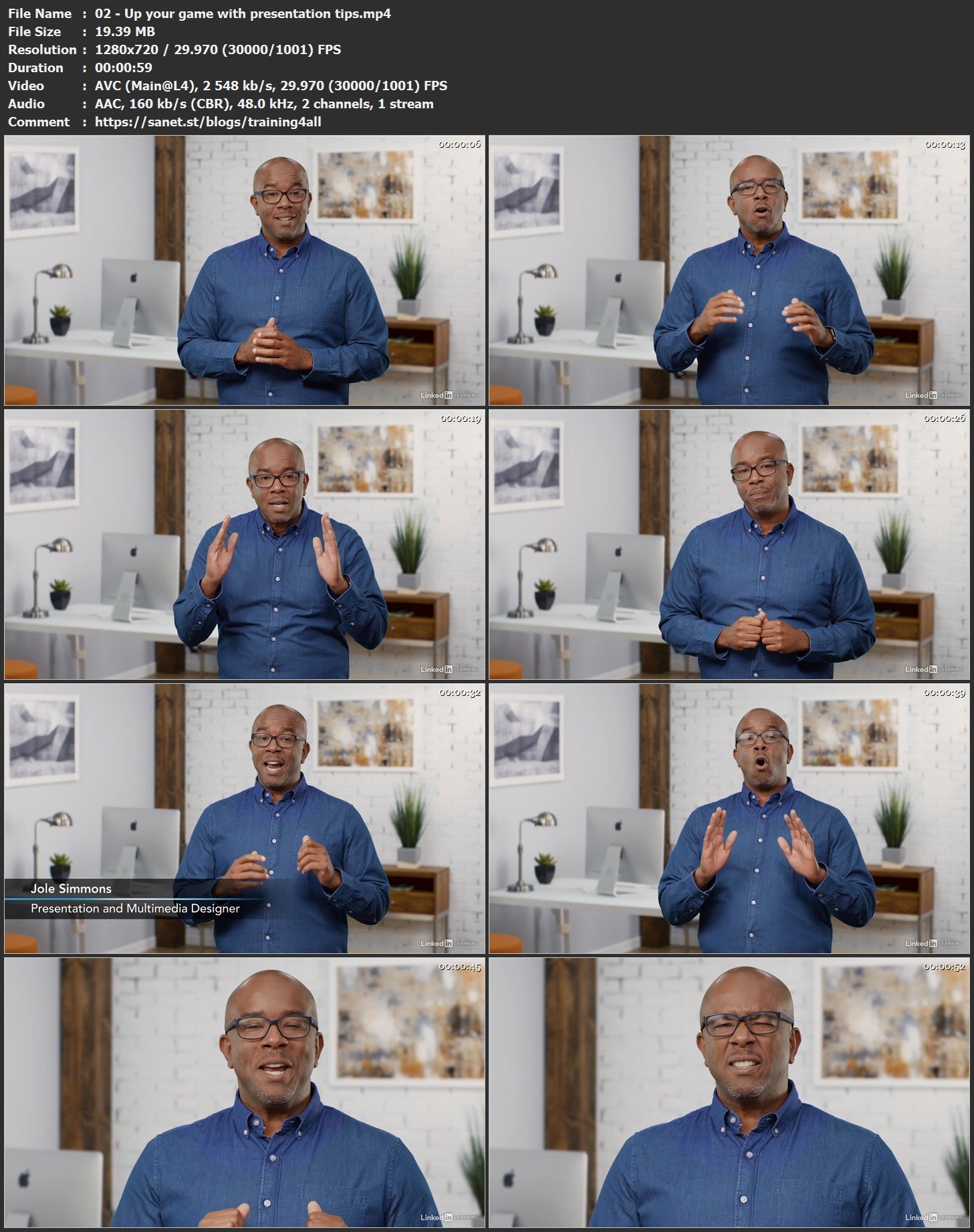
Screenshots
Bookmark my blog to get more stuff every day!
Newest course ==>> Training for all <<== Newest course
Latest OS ===>> Share for Progressive <<=== Latest OS
Huge book blog ====>> Books <<==== Huge book blog
Quick check before we show the links
Helps us keep automated scrapers from hammering the filehosts.