Notion AI Agents: Boost Productivity (No‑Code)
Published 3/2026
MP4 | Video: h264, 1280x720 | Audio: AAC, 44.1 KHz, 2 Ch
Language: English | Duration: 52m | Size: 248.48 MB
Automate Tasks, Databases & Workflows — 10× Your Notion Setup
What you'll learn
Understand what Notion AI agents are and how they work, including how AI operates inside pages, databases, and workflows.
Set up clean, scalable Notion workspaces and databases that are optimized for automation and AI‑powered workflows.
Use Notion automations and AI properties to generate summaries, insights, structured content, and task updates automatically.
Build end‑to‑end AI workflows and projects that connect tasks, databases, and automation without writing code.
Integrate Notion with external tools such as Zapier, Make, and APIs to extend AI agent capabilities.
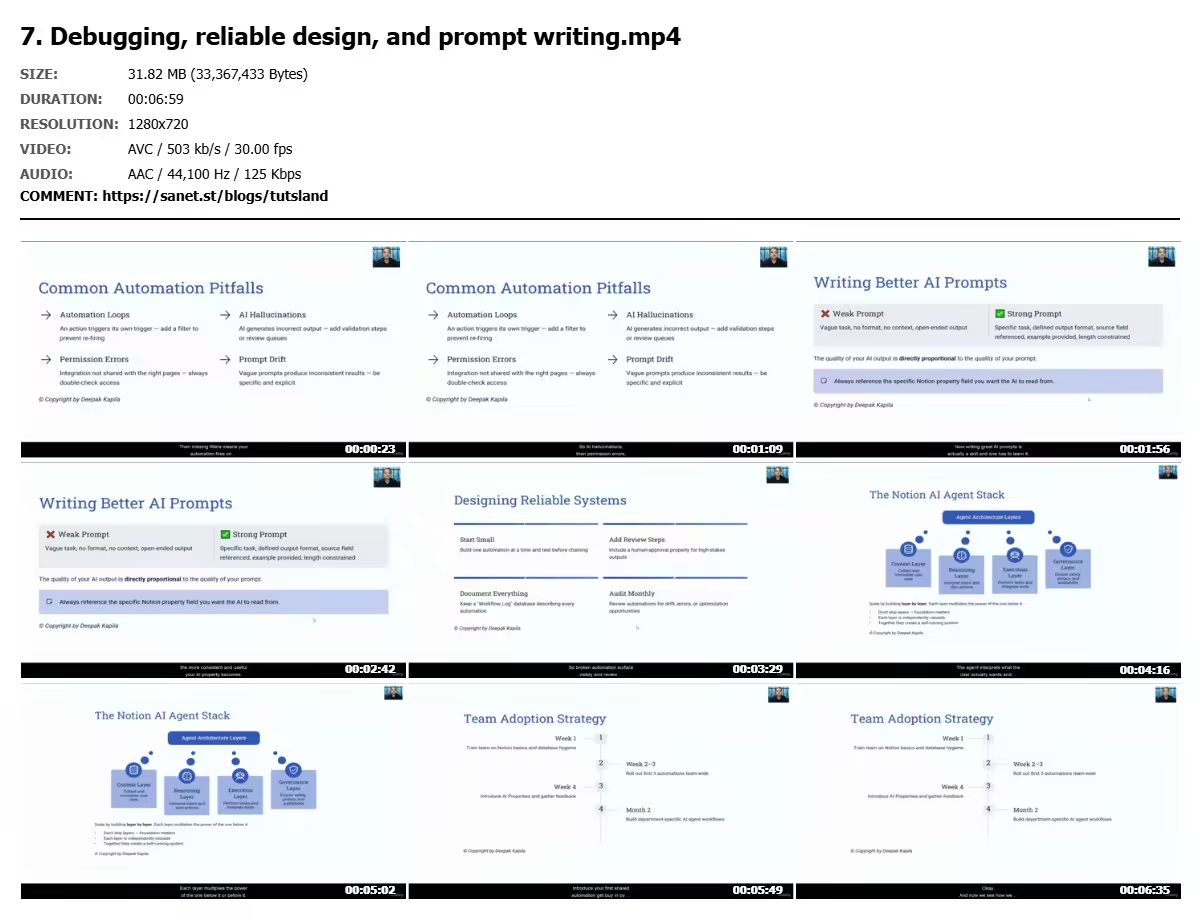
Apply best practices for reliable design and prompt writing, ensuring consistent and predictable AI behavior.
Scale Notion AI systems for real‑world use, including personal productivity, team workflows, and growing databases.
Requirements
There are no prior requirements for taking this course. Beginners are welcome.
You do NOT need: Coding or programming experience
No Prior knowledge of AI or automation
NO Experience building workflows or systems
A computer with internet access
A Notion account (free or paid — setup is covered in the course)
Access to Notion AI (recommended, but not mandatory for all lessons)
Basic familiarity with Notion (creating pages or simple databases) can be helpful, but it is not required.
This course is designed to guide learners step‑by‑step from foundational concepts to practical AI‑powered workflows, making it suitable for complete beginners as well as professionals looking to upgrade their productivity systems.
Description
Notion AI Agents: Boost Productivity (No‑Code)
Automate Tasks, Databases & Workflows — 10× Your Notion Setup
Turn Notion into an intelligent, AI‑powered productivity system.
In this hands‑on course, you’ll learn how to build Notion AI agents that automate tasks, enrich databases, and streamline workflows—without writing any code. From clean workspace design to advanced AI‑driven workflows, this course shows you how to transform Notion from a note‑taking app into a smart operating system for work and life.
Why Take This Course?
• Learn how AI agents actually work inside Notion
• Automate repetitive tasks using AI properties and automations
• Build end‑to‑end workflows for projects, databases, and teams
• Apply real‑world use cases for productivity, content, and operations
• Design reliable, scalable systems—not messy setups
This course is designed to help you work faster, think clearer, and build systems that scale.
What You’ll Learn in This Course
By the end of this course, you’ll be able to
• Understand what Notion AI agents are and how they operate
• Set up clean, scalable Notion workspaces and databases
• Use AI properties to generate summaries, insights, and structured content
• Automate workflows using triggers, actions, and integrations
• Build real‑world AI‑powered projects inside Notion
• Apply best practices for reliability, prompts, and scaling
Course Curriculum
Module 1: Foundations
Learn what AI agents are and how they work inside Notion, including core concepts and mental models.
Module 2: Workspace Setup
Design clean databases, properties, and a strong Notion foundation that supports automation.
Module 3: Automations & AI Properties
Create triggers, actions, and intelligent content generation using Notion AI.
Module 4: Building Workflows & Projects
Build end‑to‑end AI workflows with hands‑on projects that connect tasks, databases, and automation.
Module 5: Integrations & Advanced Patterns
Extend Notion with external tools like Zapier, Make, APIs, and agent‑style patterns.
Module 6: Real‑World Use Cases & Scaling
Explore industry examples and learn how to scale your Notion AI systems beyond personal use.
Module 7: Troubleshooting & Best Practices
Debug workflows, design for reliability, and write effective prompts for consistent results.
Module 8: Resources, Future & Next Steps
Access templates, the prompt library, and explore what’s coming next in Notion AI.
Learning Resources (Bonus)
This course focuses on building strong foundations.
For deeper learning, you’ll get access to optional resources, including
• A 50‑Prompt AI Library (Notion template you can duplicate)
• Design playbooks and real‑world use‑case references
• Reliability and scaling checklists
• Real‑World Notion AI Agent Use‑Case Library
These resources are optional and designed to help you go further—without slowing down the course.
Who this course is for
This course is designed for learners who want to use Notion AI to automate tasks, databases, and workflows—without writing any code.
Beginners and intermediate Notion users who want to move beyond manual pages and static databases
Professionals, creators, and knowledge workers looking to boost productivity with AI‑powered workflows
No‑code and automation enthusiasts interested in building AI agents inside Notion
Founders, operators, and small teams organizing projects, content, or operations in Notion
Anyone upgrading from basic Notion setups to intelligent, scalable systems
This course is especially valuable for learners who want a strong foundational understanding of how Notion AI works in real workflows—before building more advanced or team‑level systems.
No coding, automation, or AI experience is required.
Quick check before we show the links
Helps us keep automated scrapers from hammering the filehosts.