How to create and edit a studio portrait for a YouTube channel
This post was published 5 years ago. Download links are most likely obsolete. If that's the case, try asking the uploader to re-upload.
TS | Video: AVC 1280x720 | Audio: AAC 48KHz 2ch | Duration: 50m | 802 MB | Language: English
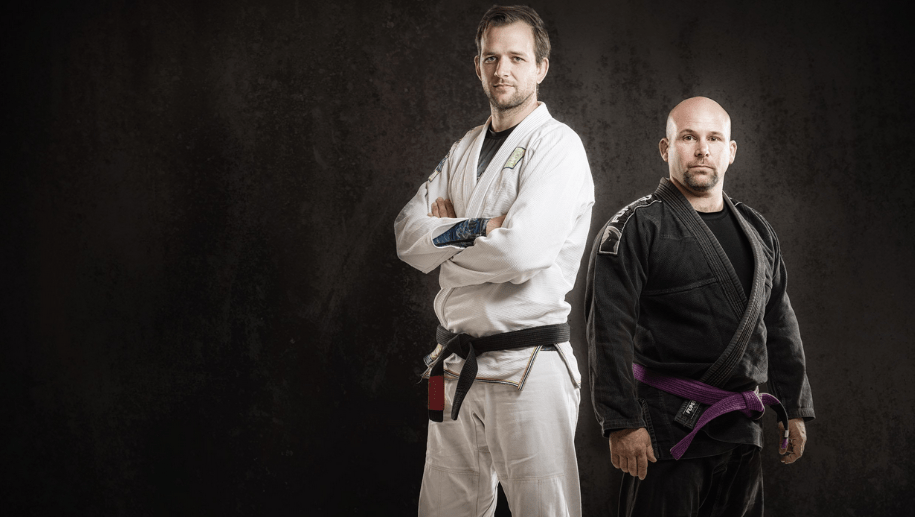
If you're interested in learning about studio lighting, portrait photography or editing techniques, this class is for you! I was approached by two Brazilian Jiu-Jitsu Fighters who need a portrait for a new YouTube channel they are starting soon.
I thought this would be a perfect opportunity to show:
How I work with, pose and frame two subjects for an image that will fit a wide aspect ratio (for a video channel)
How to light dark-toned clothes so that they stand out on a dark background
How I met the brief with three different images (one in-camera portrait, one composite portrait and one contrasting background portrait)
How I develop an image in Lightroom and carry out a full edit in Photoshop
The last thing I do in Photoshop to add the finishing touch and bring a composite together
For each portrait you’ll see my images straight-out-of-the-camera, with exposure settings and the final edit, too.
Enjoy - and don't miss the outtakes at the very end! :-)
Paul and the masteringportraitphotography.com team
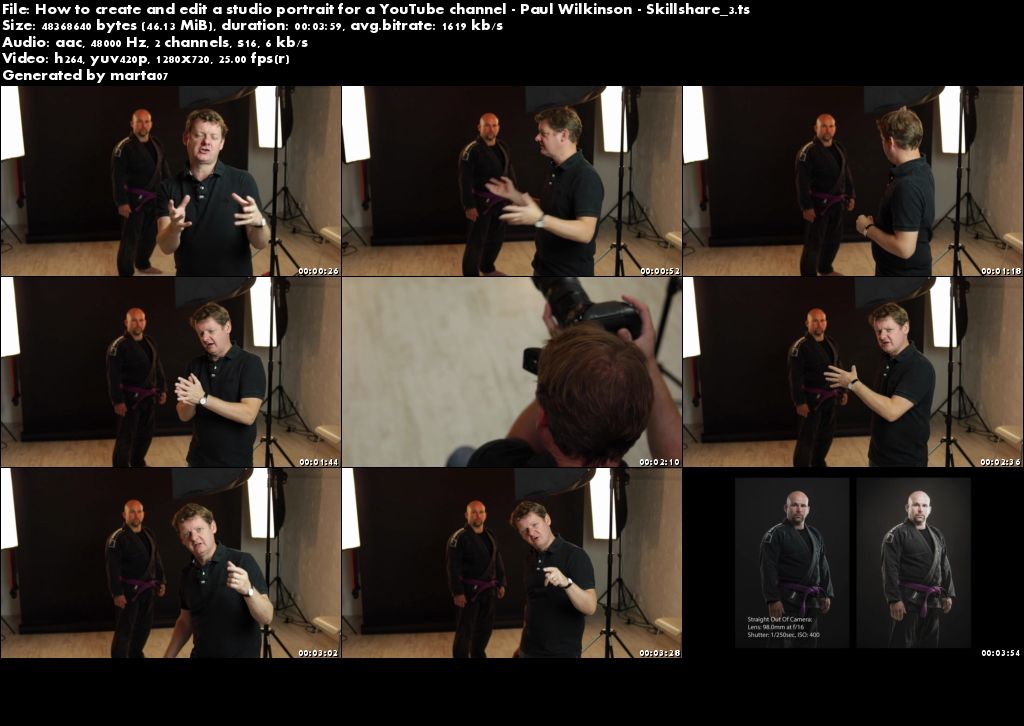
Screenshots
Quick check before we show the links
Helps us keep automated scrapers from hammering the filehosts.