TeamViewer for Remote Control v12.2.6961
This post was published 9 years ago. Download links are most likely obsolete. If that's the case, try asking the uploader to re-upload.
File Size: 22.3 Mb
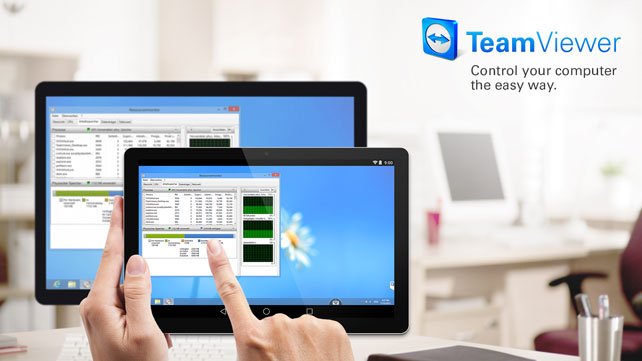
Use this app to remotely control other devices. Want to remote into this device? > Download the QuickSupport app. Remote into another computer, smartphone or tablet, while you are on the road! TeamViewer provides easy, fast and secure remote access and is already used on more than 1 billion devices worldwide.
Use cases:
- Control computers (Windows, Mac OS, Linux) remotely as if you were sitting right in front of them
-- Provide spontaneous support or administer unattended computers (e.g. servers)
- Remotely control other mobile devices (Android, Windows 10 Mobile)
Key Features:
- Screen sharing and complete remote control of other devices
- Intuitive touch and control gestures
- File transfer in both directions
- Computers & Contacts management
- Chat
- Sound and HD video transmission in real-time
- Highest security standards: 256 Bit AES Session Encoding, 2048 Bit RSA Key Exchange
- Plus so much more …
Quick guide:
1. Install this app
2. On the device you want to connect to, download TeamViewer QuickSupport
3. Enter the ID from the QuickSupport app into the ID field and connect
What's New
• Improved data usage of app with ongoing session in background
• Fixed a bug that sometimes only a black screen was shown
• Other fixes and minor improvements
Requires Android: 4.0+
Homepage
Quick check before we show the links
Helps us keep automated scrapers from hammering the filehosts.