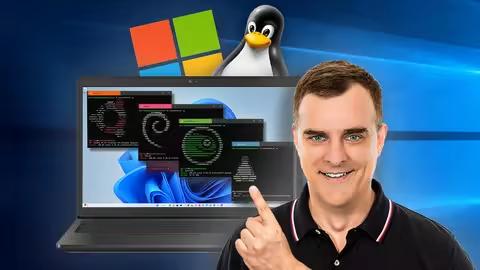
Linux On Windows (Wsl2)
Published 7/2025
MP4 | Video: h264, 1920x1080 | Audio: AAC, 44.1 KHz
Language: English | Size: 1.92 GB | Duration: 1h 22m
Leverage the power of the Windows Subsystem for Linux (WSL 2), Docker, Kali Linux, GPUs and more on Windows 11
What you'll learn
Learn how to install set up and use Windows Subsystem for Linux 2 (WSL2)
Learn how to leverage the power of GPUs within WSL
Learn how to run Docker Containers on Windows 11 using WSL 2
Learn Linux easily and quickly by running a lightweight Linux virtual machine on your Windows 11 computer
Learn how you can run Linux commands such as grep directly from within Windows
Requirements
Windows 11 computer or laptop
Experience of Windows and Linux is helpful, but not required
Description
Windows Subsystem for Linux (WSL2) gives you the power and functionality on Windows. There are so many things you can do now leveraging Linux directly on Windows using WSL2.You can learn Linux, Docker and other technologies easily using WSL 2. Get started quickly with Windows Subsystem for Linux (WSL2) today by joining me on this Linux and Windows adventure.WARNING: You may encounter issues running WSL 2 with VMware Workstation and VirtualBox. Don't use WSL 2 if you needed nested virtualization with those hypervisors. This course focuses on the following:- WSL2 Installation and Setup- Installation of multiple Linux Distributions- WiFi Password Cracking Demo using GPUs in WSL, Kali Linux and Hashcat- Running a GUI version of Linux with WSL and Microsoft Remote Desktop- Using Windows applications in Linux and Linux applications in Windows- Leverage Linux commands directly from Windows- Configurare your Windows Firewall to permit connections to WSL- Docker using WSL 2I don't try to teach you everything about Linux, Docker or Windows. I'm only showing you how you can leverage these technologies to do amazing things. This course consists of practical demonstrations which you can follow - the best way to learn is hands-on learning, so follow me and set this up yourself.
Overview
Section 1: WSL2 Demos: (GPU WiFi Cracking, Wireshark, Remote Desktop and a lot more)
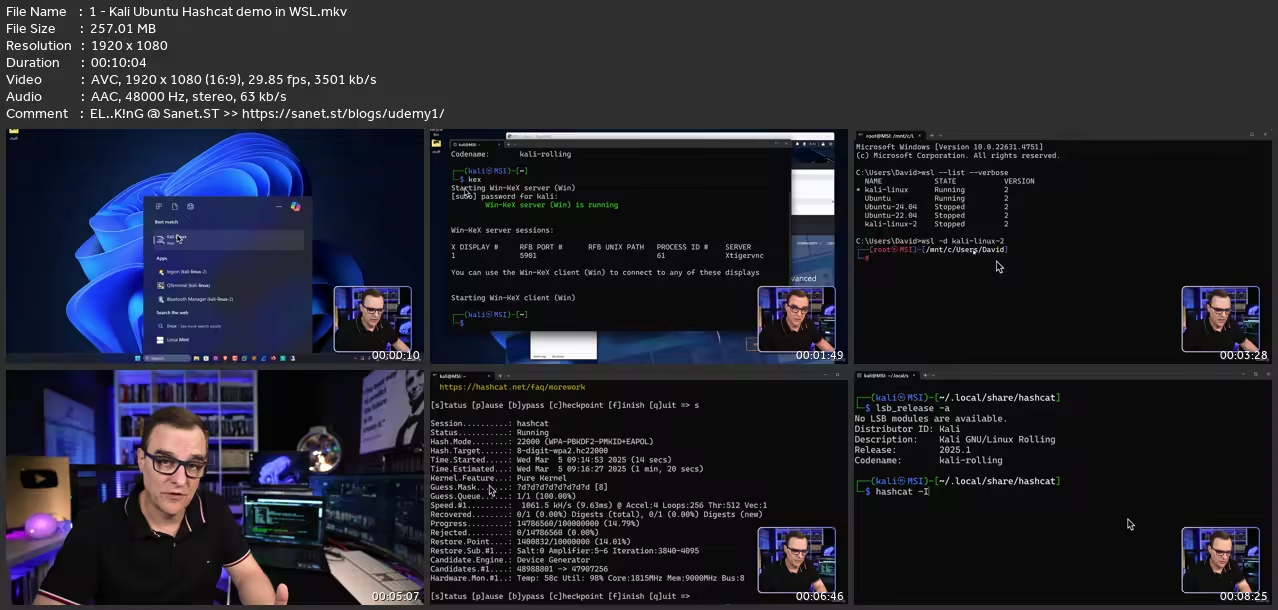
Lecture 1 Kali, Ubuntu & Hashcat demo in WSL
Lecture 2 Using Windows applications in Linux and vice versa
Lecture 3 Running Linux commands in Windows
Section 2: Getting help
Lecture 4 Answering your questions
Lecture 5 Udemy Tips and Tricks
Section 3: WSL Setup
Lecture 6 Install WSL and run other distributions
Lecture 7 Installing and running different versions of Ubuntu in WSL
Lecture 8 More options in WSL
Lecture 9 Installing additional software and GUI for Linux
Lecture 10 Required software to utilize GPU in WSL
Lecture 11 Make Kali Linux the default installation in WSL
Lecture 12 Install and run multiple instances of a distribution
Lecture 13 Installing GUI and Firefox for Ubuntu in WSL
Section 4: Additional WSL2 Tips and Tricks
Lecture 14 WSL network mirroring demo
Lecture 15 How to enable mirroring
Lecture 16 Allowing connections through the firewall
Lecture 17 How to export and import backup data
Lecture 18 Advanced configuration settings in WSL
Lecture 19 Changing amount of memory used
Section 5: How to install Docker and use that with WSL
Lecture 20 Docker WSL 2
Web developers,NetDevOps engineers,Sysadmins,Network Engineers,Ethical Hackers
without You and Your Support We Can’t Continue
Thanks for Buying Premium From My Links for Support
Click >>here & Visit My Blog Daily for More Udemy Tutorial. If You Need Update or Links Dead Don't Wait Just Pm Me or Leave Comment at This Post
Quick check before we show the links
Helps us keep automated scrapers from hammering the filehosts.